47
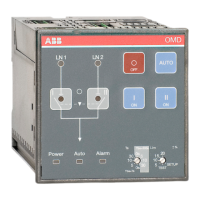
AUTOMATIC CONTROL UNIT, OMD800
AUTOMATIC CONTROL UNIT, OMD800
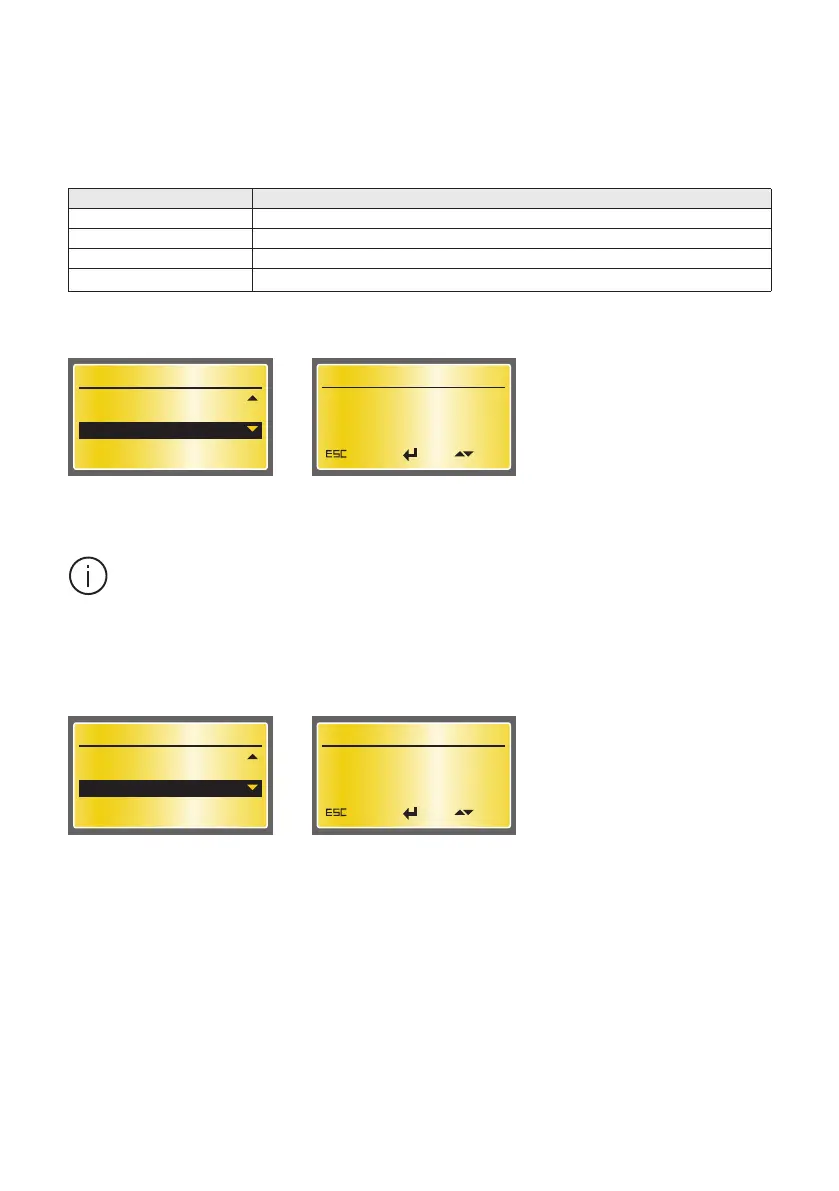
Auto Switch to O
According to Auto Switch to O parameter the changeover switch is controlled to position O automati-
cally in case of Line 1 or Line 2 anomalies. Available parameter values are described in Table 7.9. Off is
the default.
Value Description
Off Automatic switching to position O disabled
LN1 to O Automatic switching to position O in case of Line 1 anomaly.
LN2 to O Automatic switching to position O in case of Line 2 anomaly
LN1 & LN2 to O Automatic switching to position O in case of Line 1 or Line 2 anomaly.
Table 7.9 Values and description of Auto Switch to O
LCD Backlight Timer
User can choose when to switch o the LCD backlight after the latest user interaction.
Device Configuration
Frequency Hysteresis
Delay Times
Auto Switch to 0
8/12
Auto Switch to 0
Off
Cancel EditOK
Figure 7.41 Auto Switch to O, Off is the default
Device Configuration
Delay Times
Auto Switch to 0
LCD Backlight Timer
9/12
LCD Backlight Timer
Always On
Cancel EditOK
Figure 7.42 LCD Backlight Timer, Always On is the default
Both OMD800 and motor operator of the change-over switch need to be energized to en-
able the automatic switching to position O.


 To Next Page