50
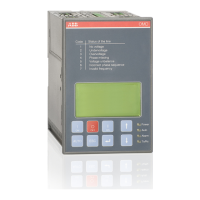
AUTOMATIC CONTROL UNIT, OMD800
Language Selection
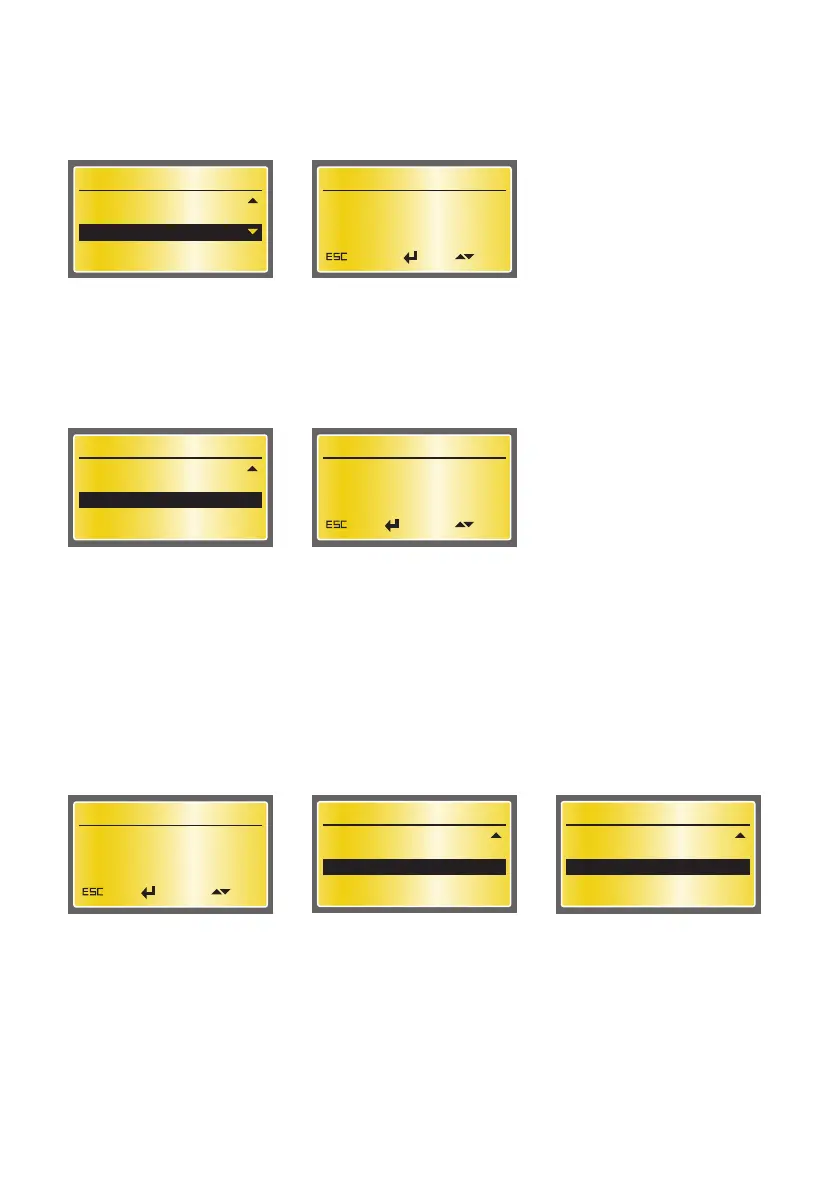
In this page it is possible to choose the Language. The choices are English, French, Italian, Spanish,
Finnish, German, Russian and Chinese. Factory setting is English.
Figure 7.44 Language Selection, English as default
Device Configuration
LCD Backlight Timer
Modbus
Language Selection
11/12
Language Selection
English
Cancel EditOK
Change Password
In this page it is possible to change password. The password consists of four numbers. The new pass-
word is set by using UP, DOWN and ENTER keys. 0001 is the default password.
Device Configuration
Modbus
Language Selection
Change Password
12/12
Change Password
0001
Back EditForward
Figure 7.45 Change Password, 0001 is the default password
Retype New Password
The new password has to be confirmed by retyping it. After confirmation, the user is returned to the
Device Configuration menu and on the bottom of the display the message PASSWORD CHANGED is
shown. If password confirmation does not succeed, on the bottom of the display is shown the message
INVALID PASSWORD and the old password is still valid. If the password is forgotten/lost, please, con-
tact product support.
Device Configuration
Modbus
Language Selection
Change Password
12/12
INVALID PASSWORD
Retype New Password
0000
Back EditForward
Device Configuration
Modbus
Language Selection
Change Password
12/12
PASSWORD CHANGED
Figure 7.46 Confirmation of the new password


 To Next Page