Dear Customer,
Congratulations on the purchase of your Anion
™
2 Analyzer.
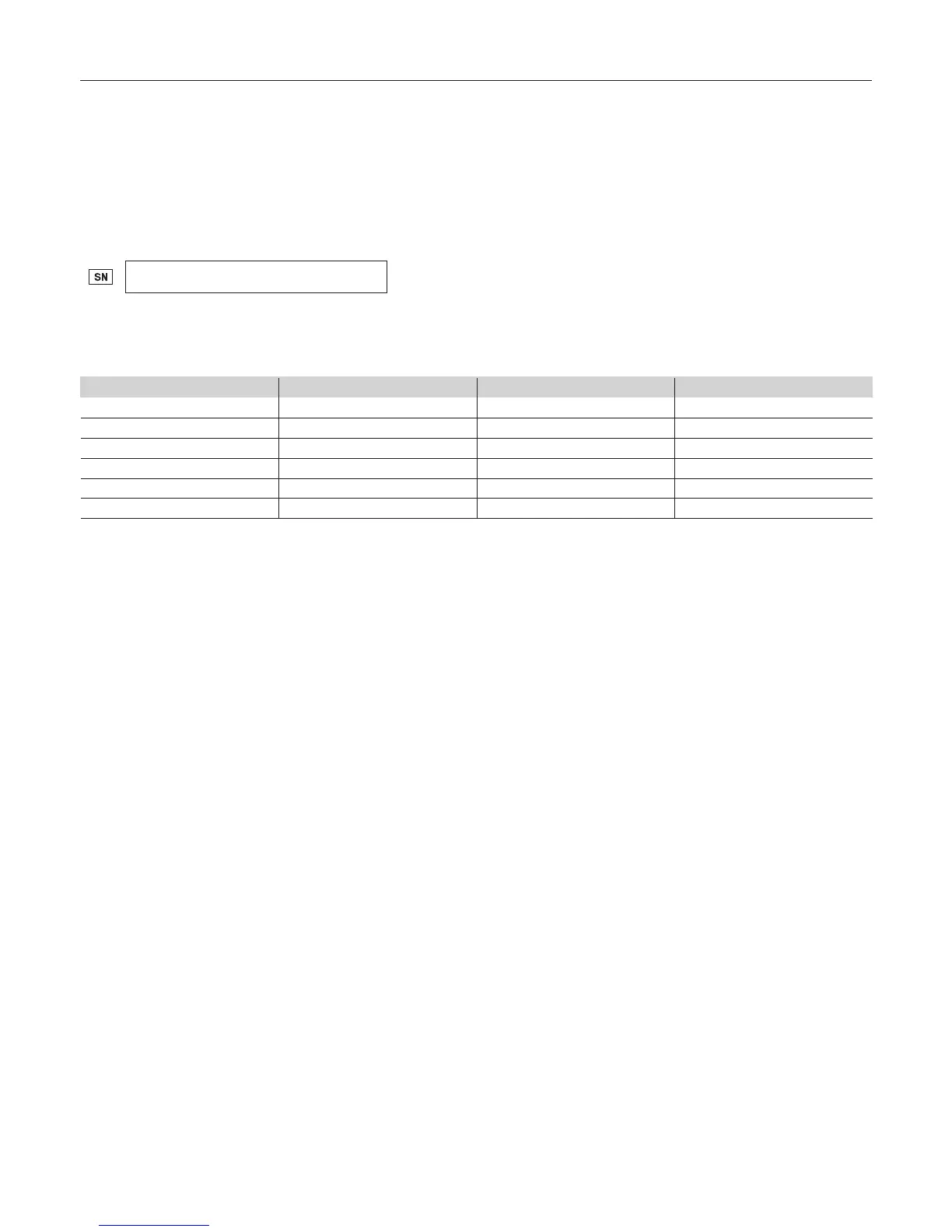
Upon arrival of your Anion 2 Analyzer we recommend that the serial number along with the software version be recorded in the table provided below. The
additional rows in the table are to be utilized if a software upgrade is performed on your Anion 2 Analyzer. The recorded information will be of great value if and
when a question is reported, or the desire to add a new Anion Test to your analyzer arises.
Serial number
(for serial number (SN), see label on the rear side of the analyzer or on the transport container)
Software records
Date
Software version* Anion
™
Tests available
Upon receipt
1. SW upgrade
2. SW upgrade
3. SW upgrade
4. SW upgrade
5. SW upgrade
* See start-up menu when you power on the analyzer (see “How to power on the analyzer”, page 11).
Notes
_________________________________________________________________________________________________________________________________________________
_________________________________________________________________________________________________________________________________________________
Technical Support
Call 1.866.216.9505



 To Next Page