US | 25
Patient and control results records
The patient and control results are stored in the memory of the Anion 2 Analyzer. The last 500 patient results and the last 500 control results are saved in separate
records. When exceeding the capacity of 500 results, the oldest result will be deleted. The following parameters are listed for each run: Date and time, run number,
patient ID/control ID, operator ID, lot number of test cartridge and the test result.
View, print and export patient and control results
1
Main menu
Touch to enter patient results.
Touch to enter control results.
2
The last patient result or control is displayed
To view more results touch
or
If a printer is connected, touch
to print the result.
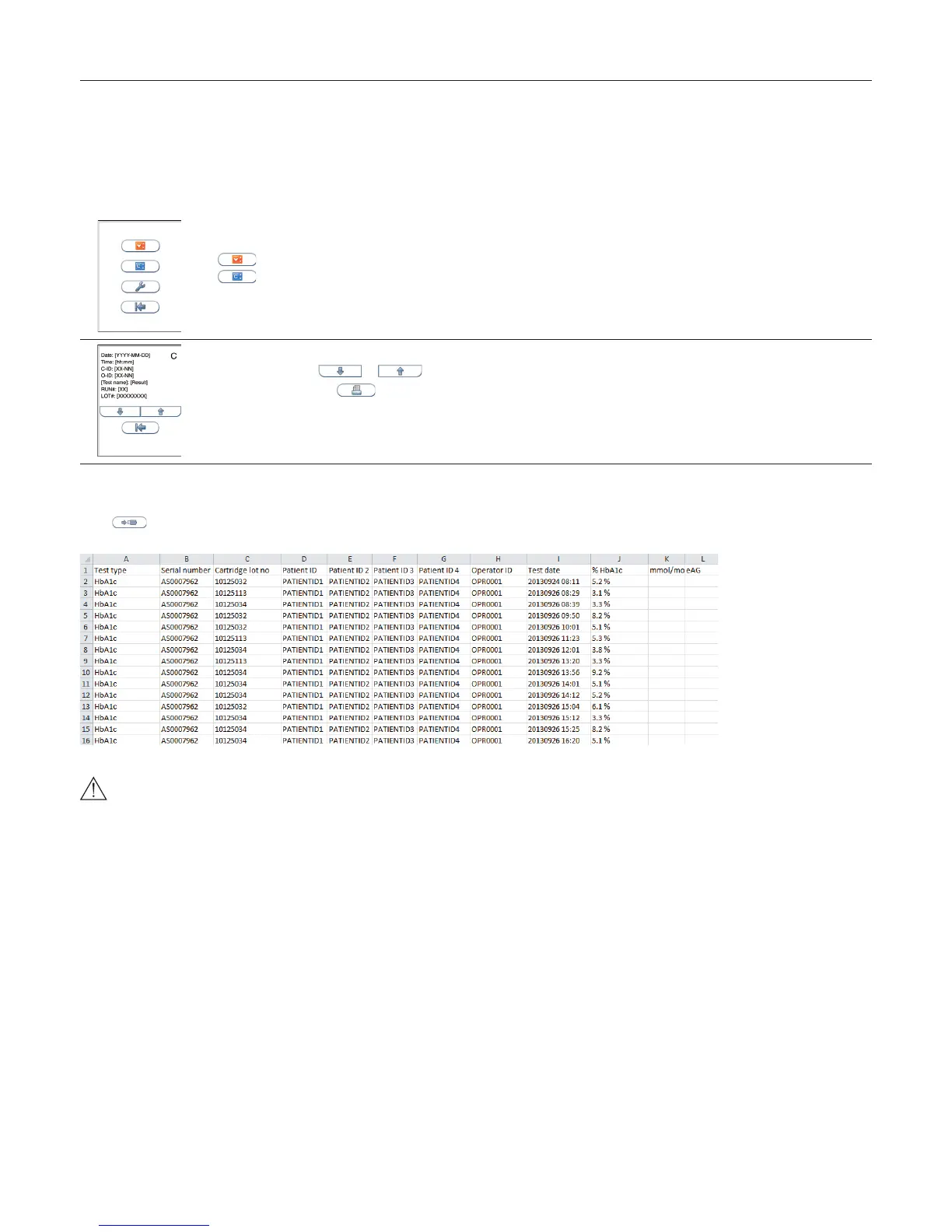
Result records may be exported if an USB ash (FAT 32 formatted) is inserted to the Anion 2 USB port.
Touch to export the results. The results will be stored on the USB in a .txt le for each assay tested on the Anion 2 Analyzer. These
les may be opened in e.g. Microsoft Excel for further processing.
When you export data that contains patient information, it is your responsibility to comply with your local regulations on protection
of personal health information.
Testing Procedures



 To Next Page