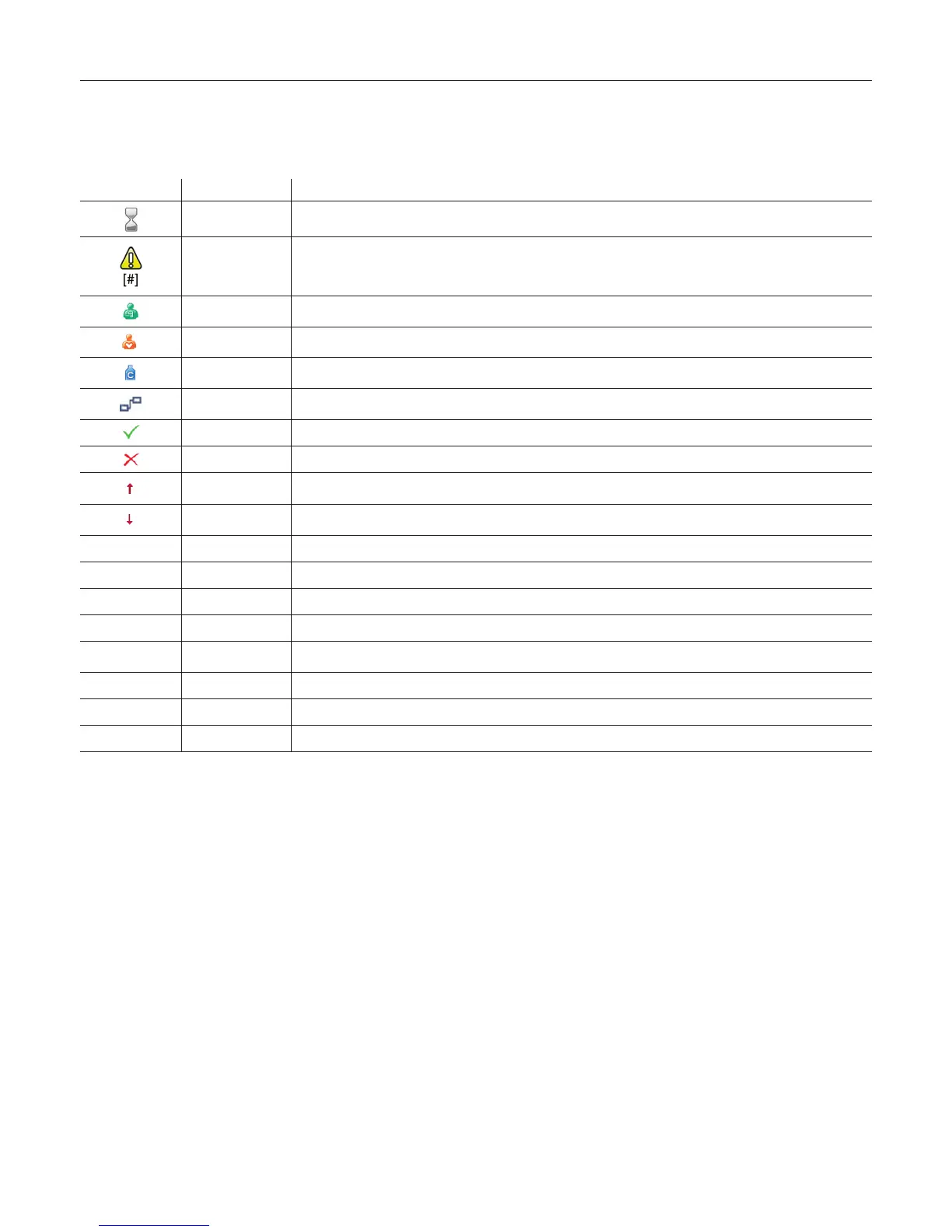
Gallery of Icons
Other symbols and signs
Other symbols, signs and abbreviations that may appear during operation of the Anion 2 Analyzer are explained below. These symbols or signs are only inform-
ative and can not be activated like the buttons.
Symbol Meaning Appears when?
Wait! Hour-glass icon that appears in the start-up procedure.
Information code
Icon used along with a code number [#] that corresponds to code specic information messages [#]
(see “Information codes and troubleshooting”).
Operator ID Icon illustrates the operator ID.
Patient ID Icon illustrates the patient ID.
Control ID Icon illustrates the control ID.
Connected
The instrument is connected to the LIS/HIS/EMR server. When no symbol, the instrument is not connected to the
LIS/HIS/EMR server.
Quality control pass Control result is within acceptable range.
Quality control failed Control result is outside acceptable range.
Result is above
acceptable range
The displayed control result is above acceptable range.
Result is below
acceptable range
The displayed control result is below acceptable range.
C Control The letter C will appear on the screen when the control mode is selected.
O-ID Operator ID Abbreviation used in the patient and control records.
P-ID Patient ID Abbreviation used in the patient records.
C-ID Control ID Abbreviation used in the control records.
RUN# Run number
Abbreviation used in the patient and control records for the run number of the analysis. This numbering is reset each
day at midnight.
LOT# Lot number Abbreviation used in the patient and control records for the lot number of the test cartridge.
USER User Operator with user privileges.
SUPERVISOR Supervisor Operator with supervisor privileges.



 To Next Page