US | 33
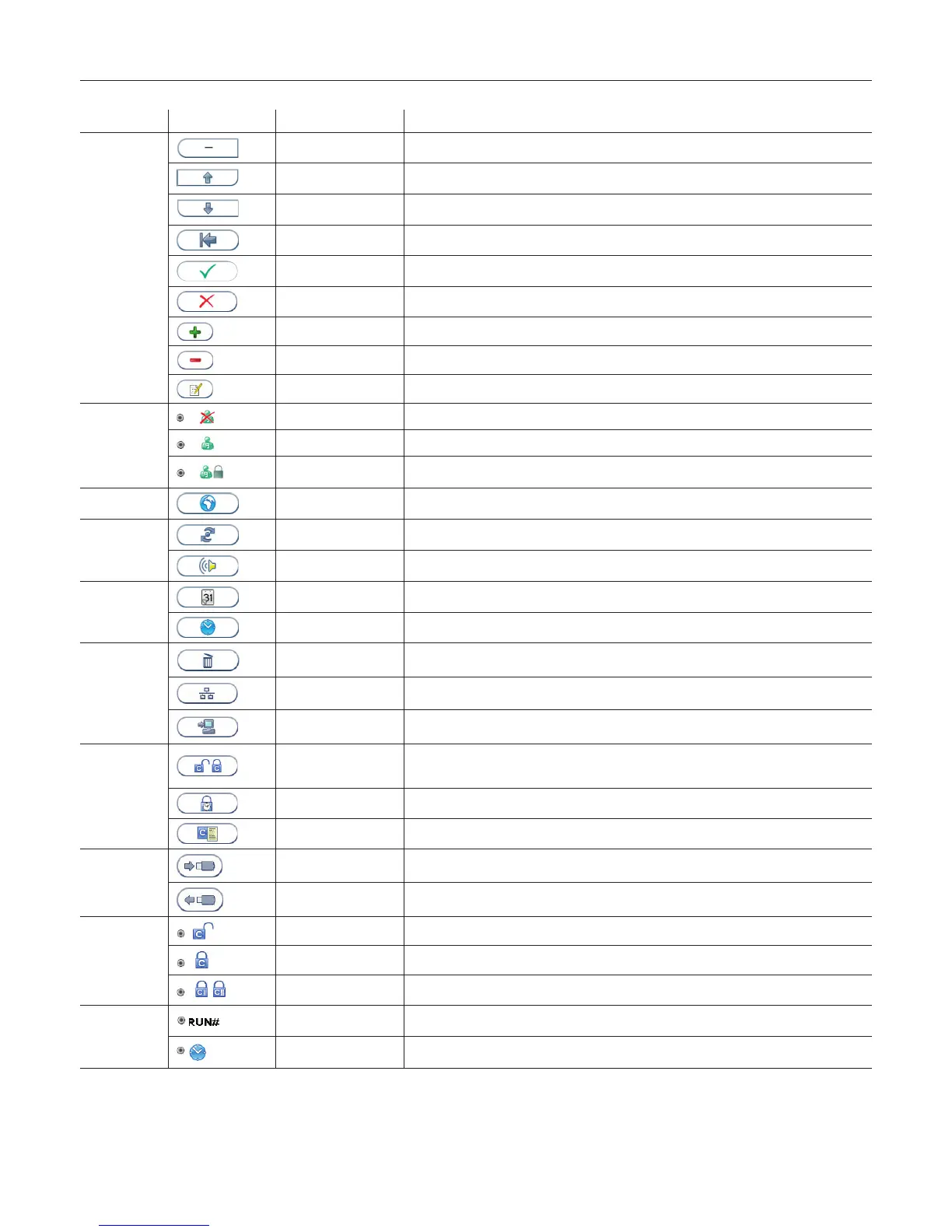
Gallery of Icons
Menu Touch button Name Function
Decrease Decrease contrast/volume.
Scroll up View previous
Scroll down View next
Exit Exit current menu and return to previous screen view.
Accept Accept (a setting or a test result).
Abort Abort the test result or cancel operation.
Add button Add new operator or control lot.
Delete button Delete operator or control lot.
Edit button Edit QC lockout interval or operator ID.
Operator ID
conguration
Operator ID disabled Operator ID function is disabled.
Operator ID enabled Operator ID is required to be entered to run an Anion Test Cartridge
Operator ID enabled
with verication
Operator ID is required to be entered to run an Anion Test Cartridge. The operator ID is veri-
ed against the analyzer operator list.
Language
settings
Language Enter language conguration.
Screen/Beeper
menu
Screen alignment Enter screen alignment function.
Beeper volume Enter beeper volume setting.
Date/Time menu
Date Enter date setting.
Time Enter time setting.
General settings
menu
Erase Erase all content and congurations.
Instrument network
settings
Enter analyzer network settings
Connectivity settings Enter connectivity settings
QC lockout
conguration
menu
QC lockout Enable/disable QC lockout function.
QC lockout interval Congure QC warning and lockout interval.
Control lot information View, add or delete control lots stored on analyzer.
Operator list Operator list export Export operator list from analyzer to USB ash.
Operator list import Import operator list from USB ash to analyzer.
QC lockout QC lockout disabled QC lockout is disabled for this test.
QC lockout enabled One passed control run of either C I or C II is required to reset QC lockout interval.
QC lockout enabled Two passed control runs, C I and C II are required to reset QC lockout interval.
QC lockout
interval
Interval by number of
patient tests
QC reminder and lockout active after a congured set of patient tests.
Interval by number of
hours
QC reminder and lockout active after a congured set of hours.



 To Next Page