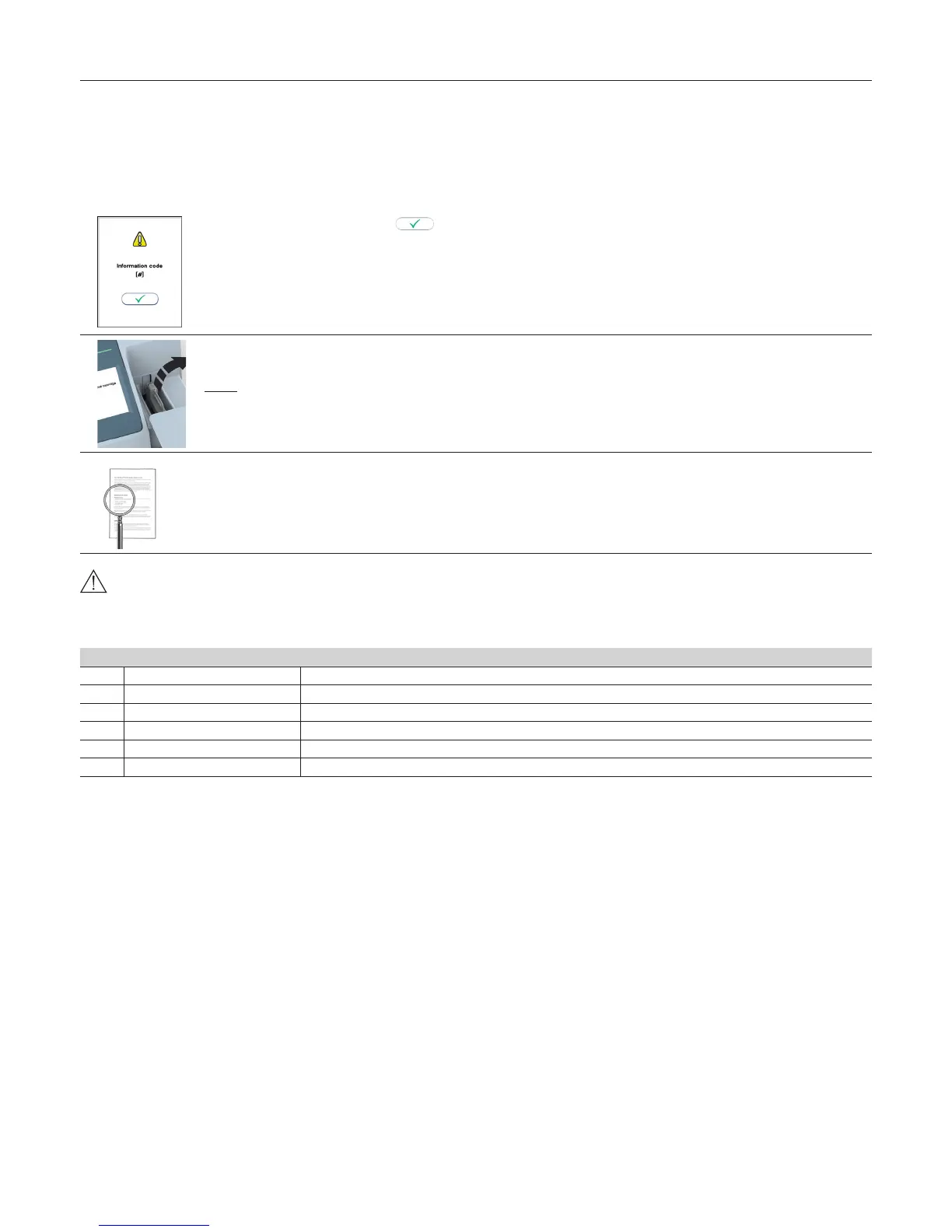
When an information code appears
Information codes that might appear during use of the Anion 2 Analyzer refer to specic information or error messages. The code numbers, the possible causes and
actions to take are listed below.
If the analyzer detects a problem during processing of a test cartridge, the test will automatically be aborted and the test cartridge will be safely moved to the
cartridge chamber. Proceed as follows:
1
Record the code number (#) and touch to accept.
The lid opens automatically.
2
Remove the test cartridge.
If the test cartridge is not ejected, restart the analyzer.
Do not reuse the test cartridge.
3
Look up the possible cause from the table below, and take actions to solve the problem.
If the problem persists, contact your local Anion supplier (see “Service information” page 28).
Do not reuse a test cartridge that has been rejected by the analyzer. Collect a new sample and repeat the test with a new test cartridge.
Information codes caused by test-specic limitations
[#] Cause Action to take
103 Hemoglobin too low Consult the Anion HbA1c Package Insert.
104 Hemoglobin too high Consult the Anion HbA1c Package Insert.
105 HbA1c too low Consult the Anion HbA1c Package Insert.
106 HbA1c too high Consult the Anion HbA1c Package Insert.
107 Creatine too high Consult the Anion ACR Package Insert.
108 Blood in urine Consult the Anion ACR Package Insert.
Information Codes and Troubleshooting



 To Next Page