Step Action
3
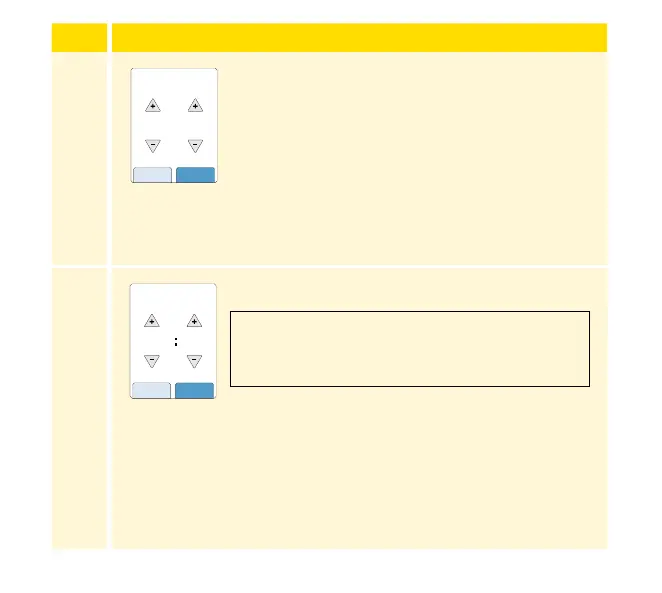
Set the Current Date using the arrows on the
touchscreen. Touch next to continue.
4
Set the Current Time. Touch next to continue.
14
back next
Current Date
June
2021
12 am 00
back next
Current Time
CAUTION: It is very important to set the time
and date correctly. These values aect the
Reader data and settings.
29














 To Next Page