Step
Action
4
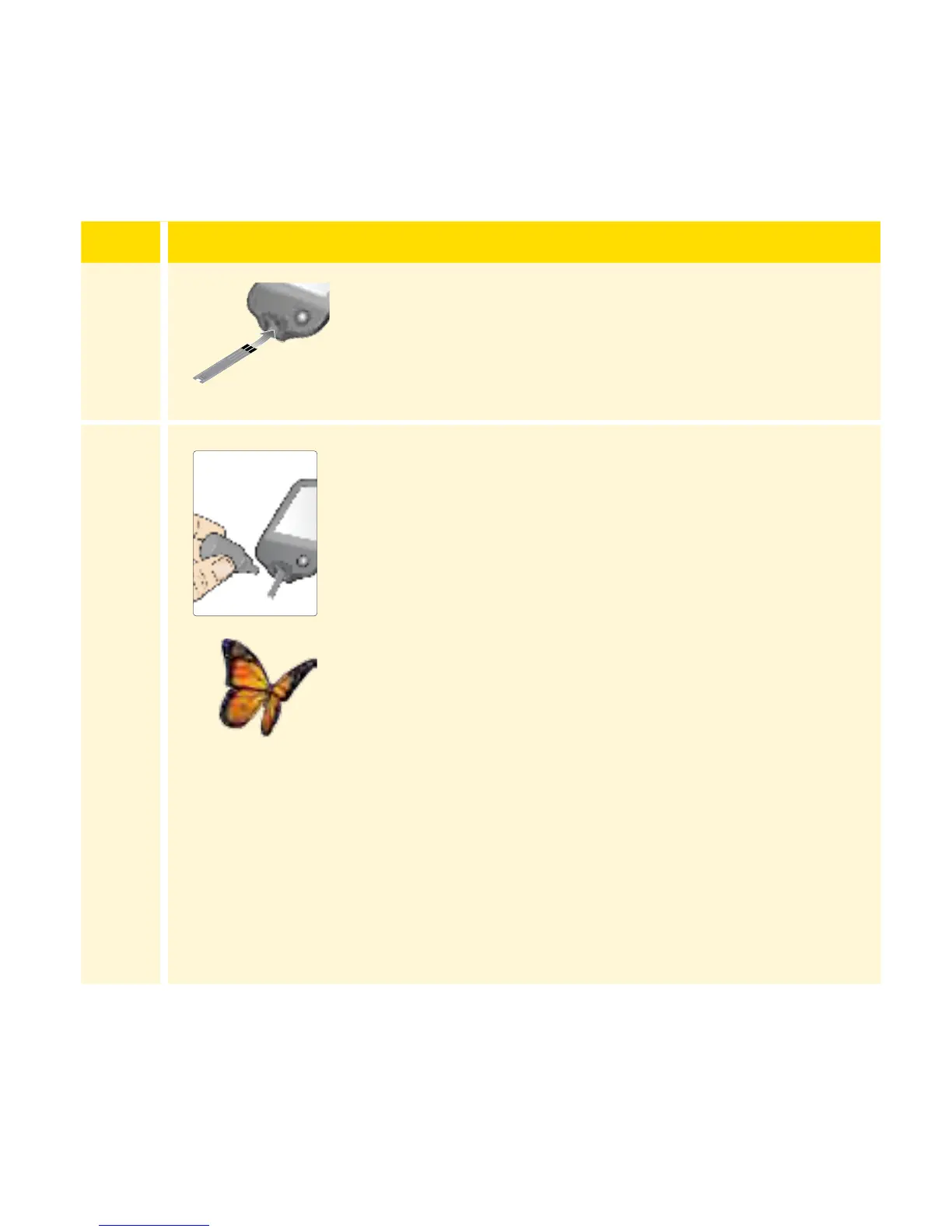
Insert the test strip with the three black lines
facing up. Push the strip until it stops.
5
Shake the control solution bottle to mix the
solution. Apply a drop of control solution to the
white area at the end of the test strip.
If sounds are turned on, the Reader beeps once
to let you know that you have applied enough
control solution.
You will see a buttery on the screen while you
wait for the result. If sounds are turned on, the
Reader beeps once when the result is ready.
Apply Control Solution
54
















 To Next Page