ABEM Terraloc Pro 2
27
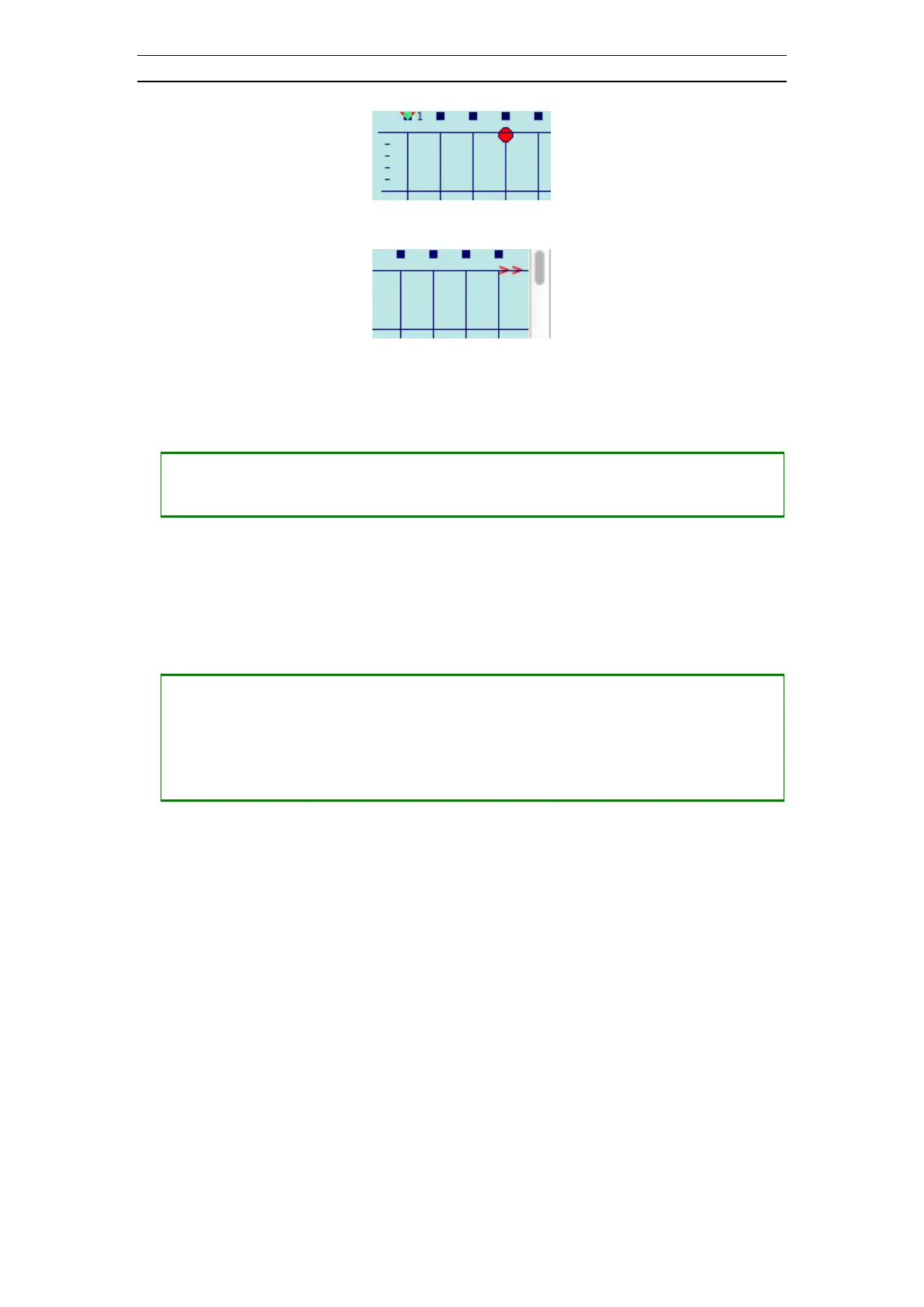
Figure 21 Source indicator; Source located at geophone 4
Figure 22 Source indicator; Source located after last geophone
• Scrolling the view
― Press <UP> to scroll the view upwards
― Press <DOWN> to scroll the view downwards
A timeline can be moved across the view. The time and A/D-value for the current trace
and timeline position will be displayed in the status field just below the views. The
timeline can be used to position a first break marker at the location of the timeline on
the current trace.
• Moving a timeline across the view (Figure 23)
― Press <+> to move the timeline downwards
― Press <-> to move the timeline upwards
― Press <SHIFT> + <+> to move the timeline downwards with a large step
― Press <SHIFT> + <-> to move the timeline upwards with a large step



 To Next Page