ABEM Terraloc Pro 2
36
Menus
SeisTW has a normal computer main menu. Since this is easier to use with external
mouse and keyboard than with the built-in keyboard there are also two complementing
menu choices added, the Quick Menu and the Context Menu. These duplicates selected
items from the Main Menu.
There is also a separate pop-up menu, Clear Traces, that is used for clearing recorded
data when needed.
4.5.1 The Main Menu
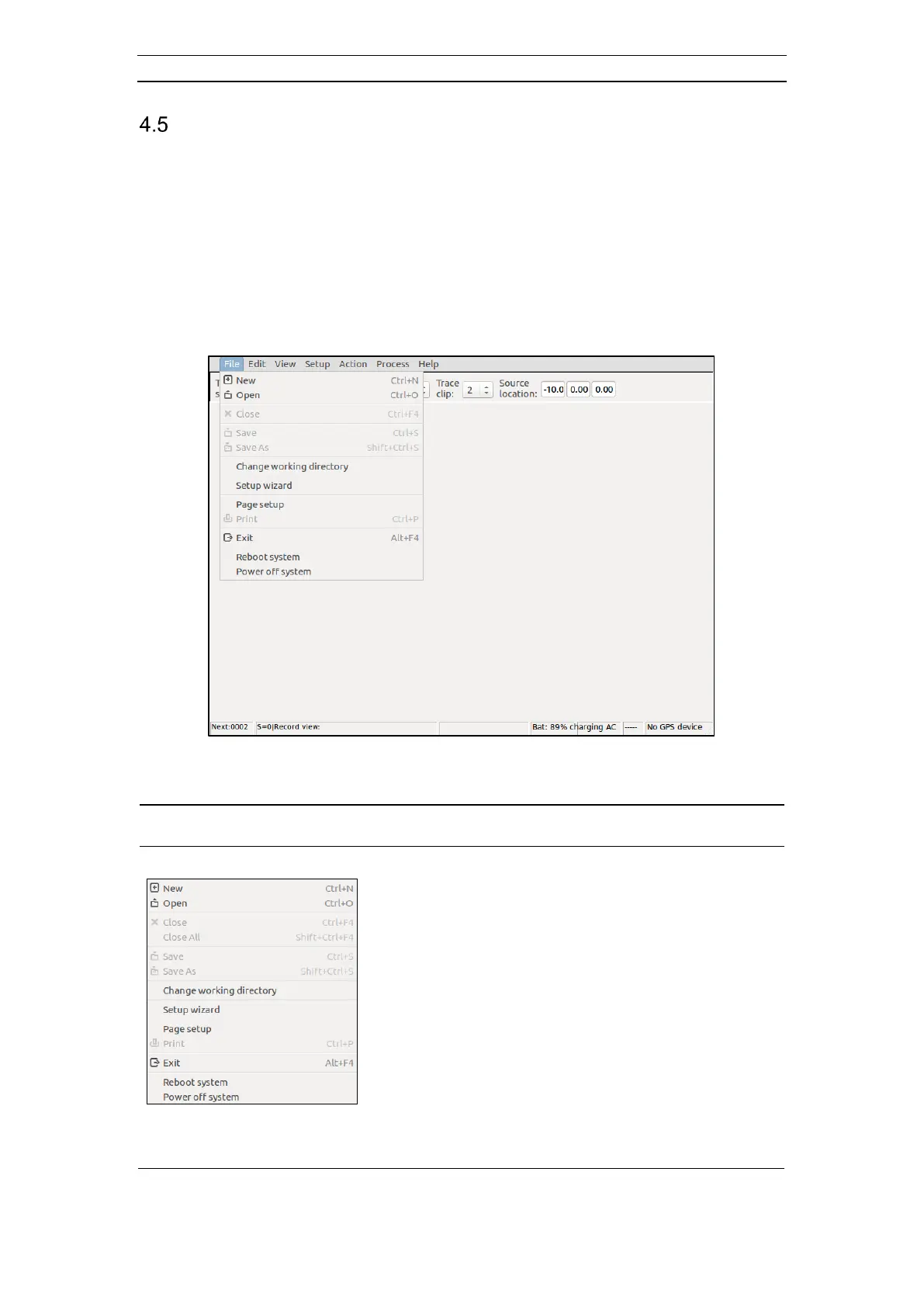
The Main Menu can be seen in Figure 33.
Figure 33 The Main Menu – File menu item opened
- New: Create a new record. Opens the Select
Acquisition Mode dialog (see chapter 4.6.3)
- Open: Open a previously saved record. A standard
open file dialog is shown
- Close/Close All: Close one or all open record(s)
- Save: Saves the current record. The current working
directory will be used. The filename has the
form “DAT_xxxx.sg2” where xxxx is
substituted with the next record number
- Save As: Same as Save but the user can choose
filename and which directory to save in. A
standard Save As-file dialog is shown
- Change Working Directory: A Browse For Folder-
dialog is shown from which the user can
choose a new working directory



 To Next Page