- Setup wizard: Opens the wizard mode for setting up
new records
- Page Setup: Opens the standard Page Setup-dialog
where page orientation, margins etc can be
set.
- Print: Opens the standard Print-dialog where printer
can be chosen.
- Exit: A confirmation dialog is shown and then
SeisTW is closed
- Reboot system: The instrument is rebooted
(restarted)
- Power off system: The instrument is turned off
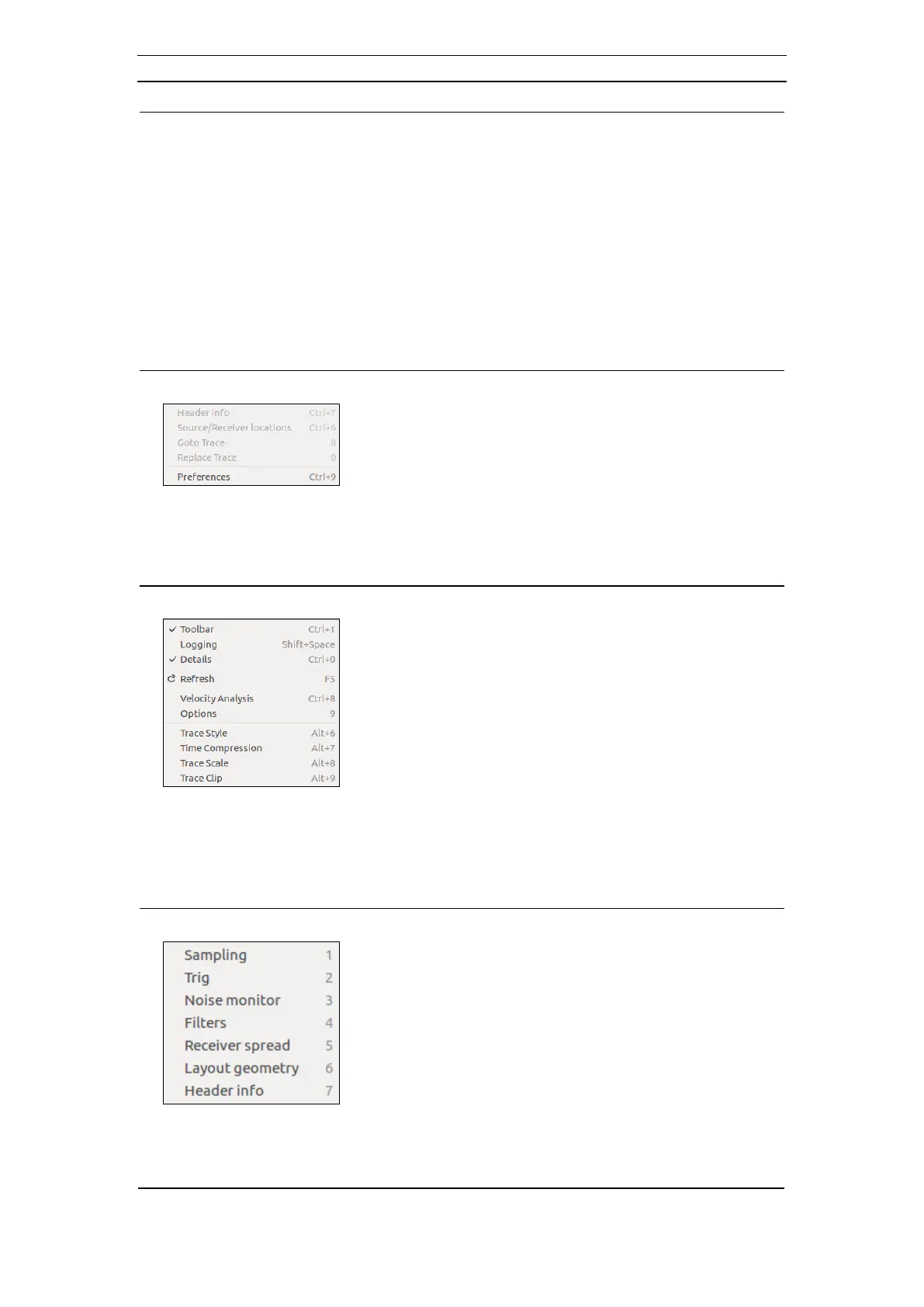
- Header info: Displays the Header info dialog
(chapter 4.6.11)
- Source/receiver locations: Displays the
Source/receiver locations dialog (chapter 4.6.11)
- Goto Trace: Used in acquisition mode Common
offset to move to a certain trace number
- Replace Trace: Used in acquisition mode Common
offset to replace a certain trace number
- Preferences: Displays the Preferences dialog
(chapter 4.6.3)
- Toolbar: Hides/Shows the Toolbar
- Logging: Hides/Shows the Logging Window
- Details: Hides/Shows Trace/Frequency
- Refresh: Refreshes the SeisTW window
- Velocity analysis: Displays the Velocity Analysis
dialog (4.6.14)
- Options: Displays the View Options dialog (4.6.13)
- Trace Style: Shortcut to the toolbar Trace Style
option
- Time Compression: Shortcut to the toolbar Time
Compression option
- Trace Scale: Shortcut to the toolbar Trace Scale
option
- Trace Clip: Shortcut to the toolbar Trace Clip
option
- Sampling: Displays the Acquisition Setup dialog
(4.6.5.1)
- Trig: Displays the Trig Setup dialog (4.6.5.2)
- Noise Monitor: Displays the Noise Monitor dialog
(4.6.5.3)
- Filters: Displays the Acquisition Filter Setup dialog
(4.6.5.4)
- Receiver spread: Displays the Receiver Spread
dialog (4.6.6)
- Layout geometry: Displays the Layout Geometry
dialog (4.6.9)
- Header info: Displays the Header Info dialog
(4.6.11)



 To Next Page