ABEM Terraloc Pro 2
75
Cross Correlate
Chapter 12.6 Vibroseis discusses the use of cross correlation.
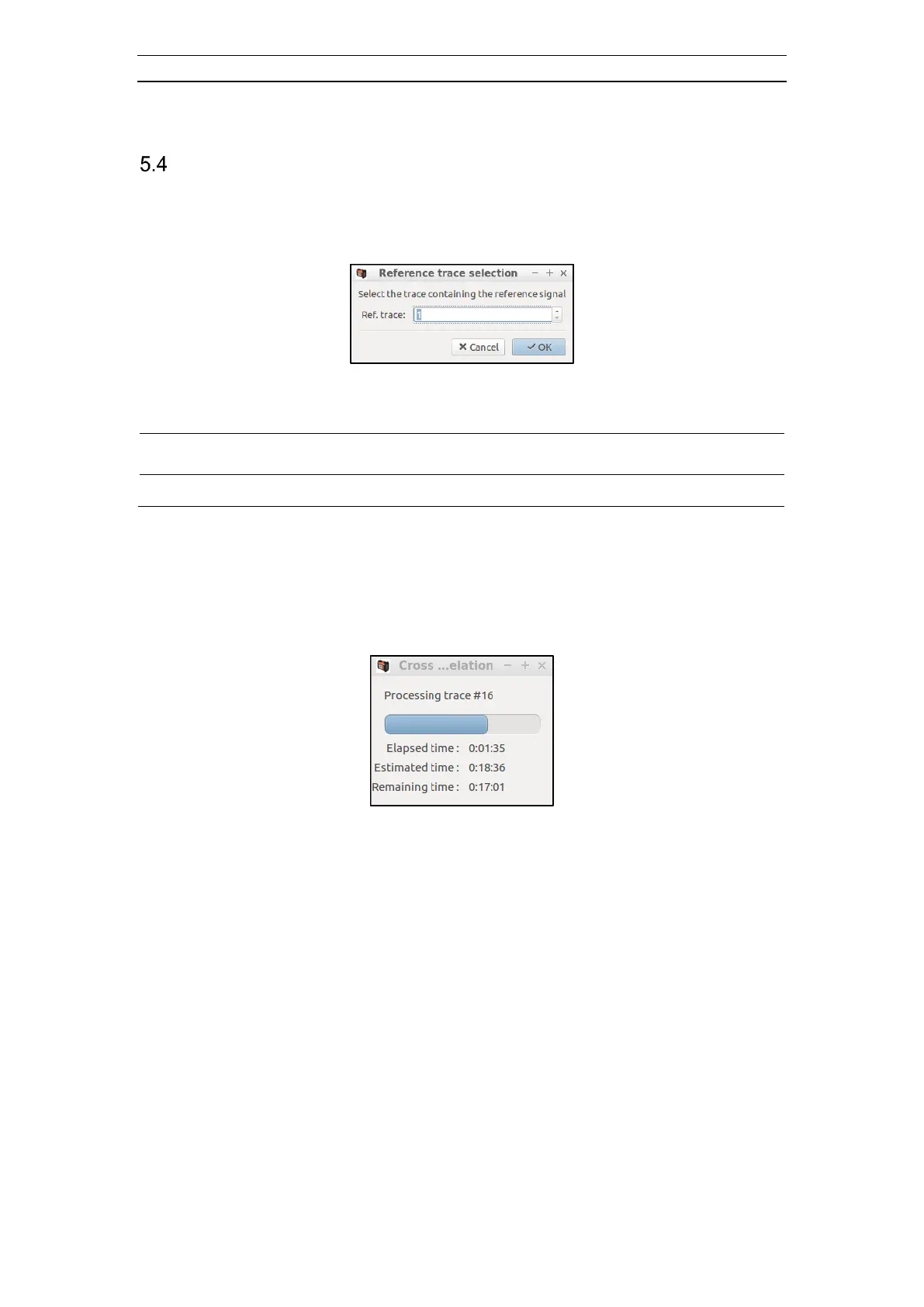
Selecting the Cross correlate menu item from the data Context Menu (Figure 36) opens
the Reference trace selection dialog (Figure 63).
Figure 63 The Reference trace selection dialog
Enter the trace number that was used for the reference signal and then press OK. The
cross correlation may take several minutes, so be patient. The Cross correlation
progressing status dialog will be shown (Figure 64). The progress is shown partly as a
progress bar and partly time values. Updates to the dialog are a bit uneven but occur
every 10
th
to 15
th
second.
Figure 64 The Cross correlation dialog
The next two figures (Figure 65 and Figure 66) first display raw data from a record
acquired using vibration seismic and then after cross correlation has been applied to the
data.



 To Next Page