ABEM Terraloc Pro 2
73
5 Data Processing
The data processing discussed below works on data in memory, not to a previously
saved file.
Note! If a
Save
command is done then previously stored data
will be overwritten and lost. Use
Save As
and choose a
different file name to keep both the original data and
the processed data
Unfilter Data
The Unfilter data menu item on the data Context Menu (Figure 36) discards any
processing results and reads back the original data from disk.
First Breaks
Chapter 12.1 Refraction discusses First Breaks / First Arrivals.
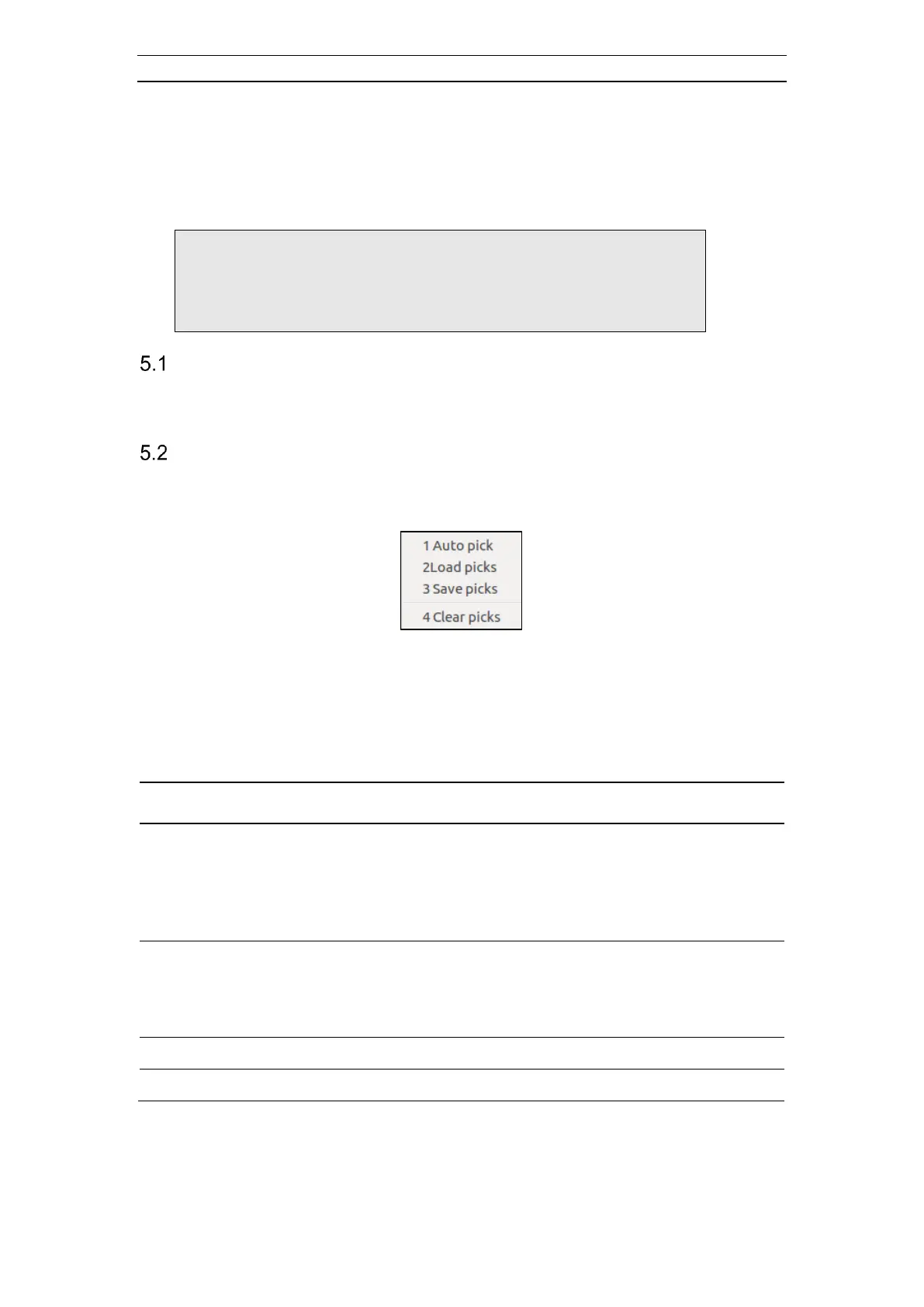
These entries are accessed via a sub menu in the Context Menu (Figure 61).
Figure 61 The First Breaks submenu
Picks can be loaded or saved in REFLEXW's ASCII-free format. Such files are saved
with .PCK file extension.
More information about the first arrival file format can be found in chapter 11 Appendix
C. The First Arrivals File Format (PCK).
- Performs an automatic first break pick. Automatic computing of
first arrivals works best on data with small pre-signal noise. You
should always check the picked arrivals and edit any bad picks. If
there are one or more picks for this record, you will be warned
before times are picked automatically.
- Loads the first break picks from a pick file to the currently active
record. If there are more picks in the pick file than traces in the
record, the superfluous picks are discarded. If there are fewer
picks, only the first traces loads the picks



 To Next Page