ABEM Terraloc Pro 2
41
Dialogs
4.6.1 System Information dialog
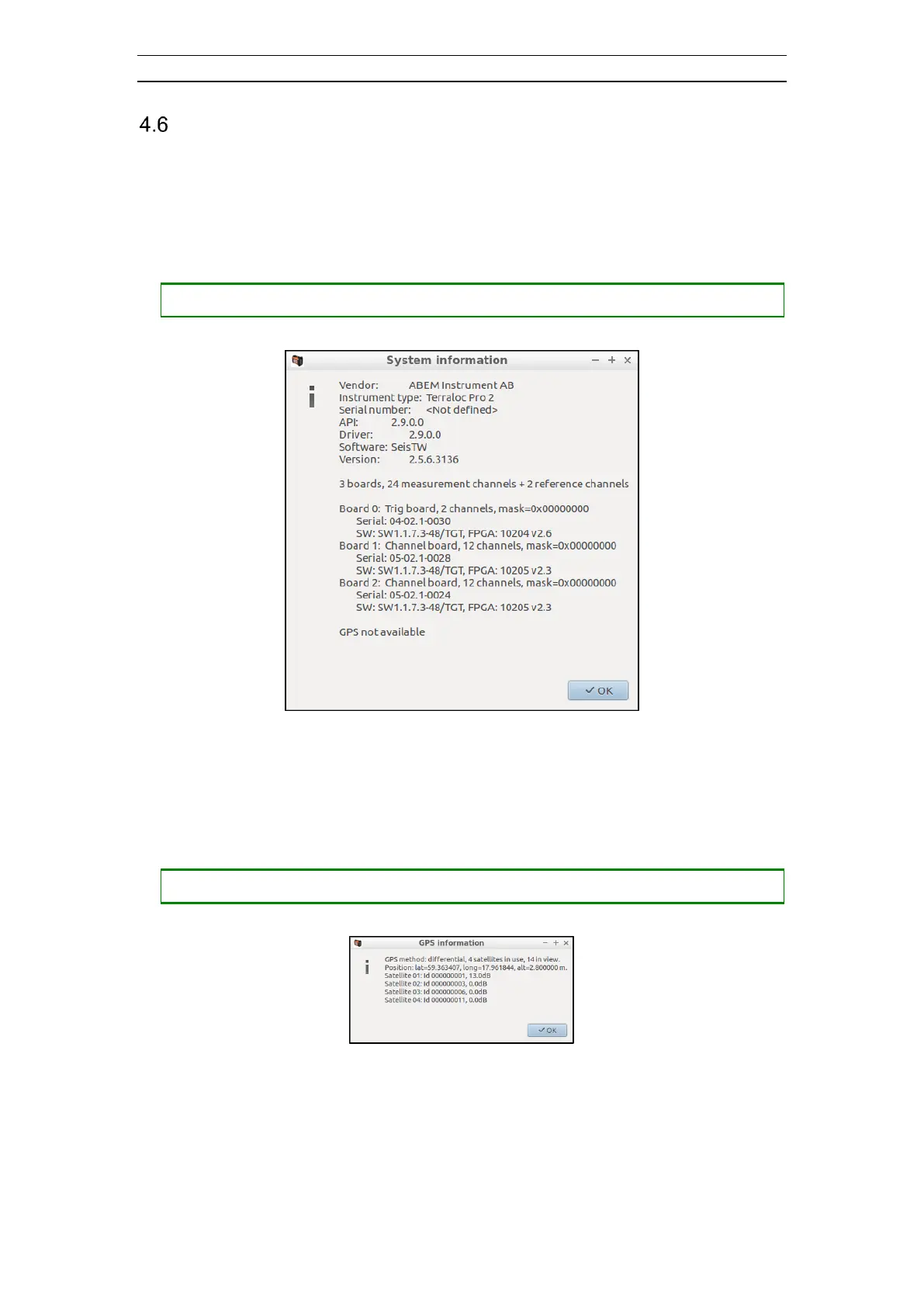
The System Information dialogue displays information about the serial number,
software versions, number of boards, number of measurement channels, the health of
the boards etc (Figure 38).
• Opening the System Information dialog
― Press <SHIFT> + <HLP> to open the About dialog
Figure 38 The About dialog
4.6.2 The GPS Information dialog
Displays information about the GPS system status (Figure 39).
• Opening the GPS Information dialog
― Press <SHIFT> + <CTRL> + <HLP> to open the GPS Information dialog
Figure 39 The GPS Information dialog
4.6.3 The Preferences dialog
Various general settings can be accessed from this dialog. The settings are divided into
four areas, each with its own tab on the dialog.



 To Next Page