ABEM Terraloc Pro 2
15
3 Quick Start
In this section we will make a measurement of noise. It will give you an insight to how
easy it is to set your Terraloc Pro 2 up for operation. You will need no more equipment
than the instrument itself and the power supply. However, before starting any fieldwork
it is wise to invest time to go through and familiarize yourself with the various menus,
dialogs and options that exist. These are described in detail in the following chapters.
Should you feel uncertain during any of the steps below you can press <HLP> to get
access to the help screen for explanations about which key command does what.
Now follow these steps:
• Connect the power supply (see Figure 3 connector 11) and switch on the
instrument by pressing <POWER>
• Some diagnostic messages show up on the screen during the start up tests and
then Linux Lubuntu is started
• SeisTW starts automatically
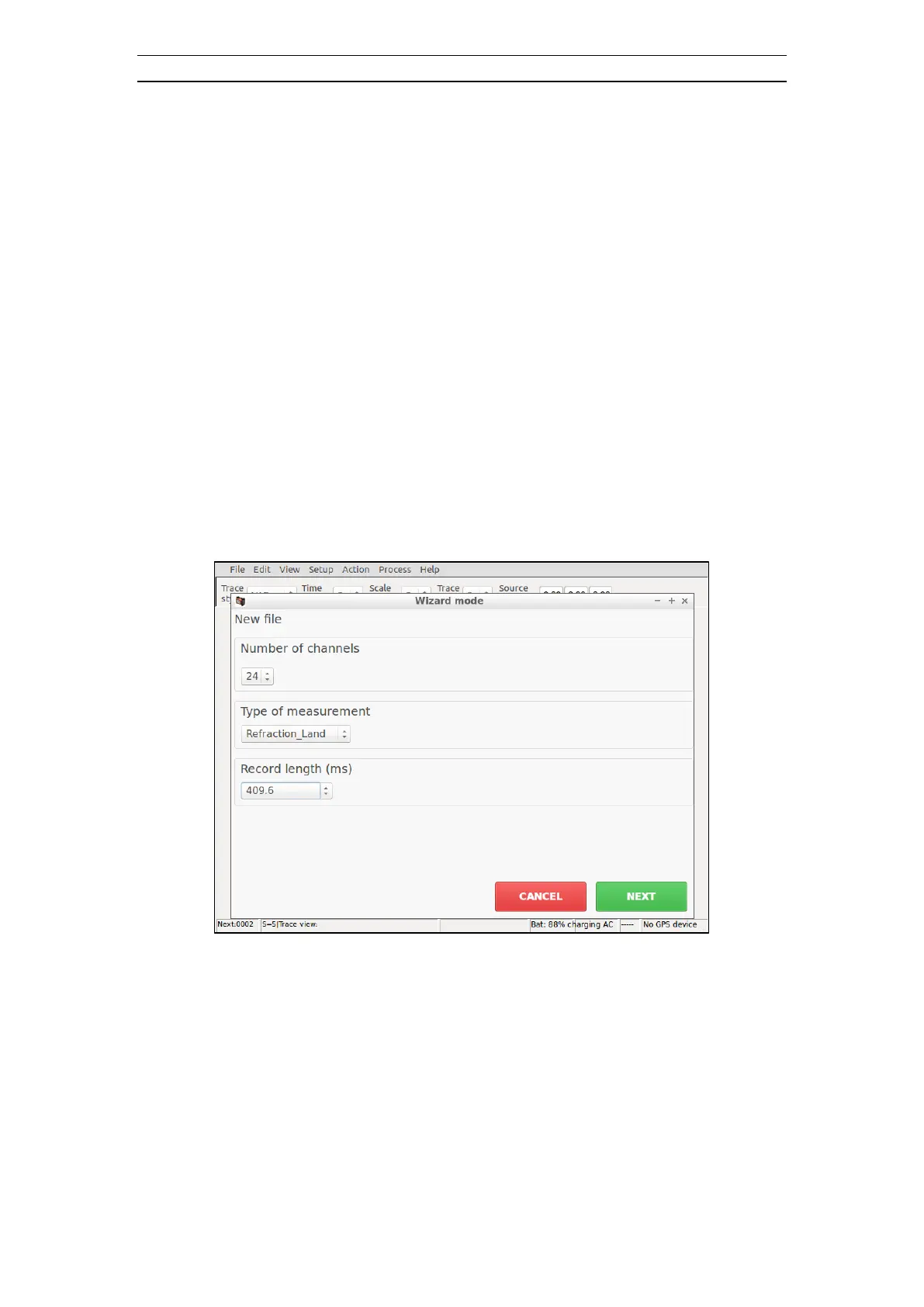
• The Wizard mode will start by default
Figure 7 Wizard Mode start dialog
• Explanation to the user interface
o press <SPACE> to fold out drop down menus
o press <UP> or <DOWN> to highlight items in drop down menus
o press <ENT> to select items in drop down menus
o press <TAB> to move between options
o press <SPACE> to select items
o press <UP> or <DOWN> to increase or decrease number values



 To Next Page