ABEM Terraloc Pro 2
77
Moving Average
Moving average is used to analyze a set of data points by creating a series of averages
of different subsets of the full data set. It can be used to smooth out short-term
fluctuations and highlight longer-term trends.
Selecting the Moving Average menu item from the data Context Menu (Figure 36) opens
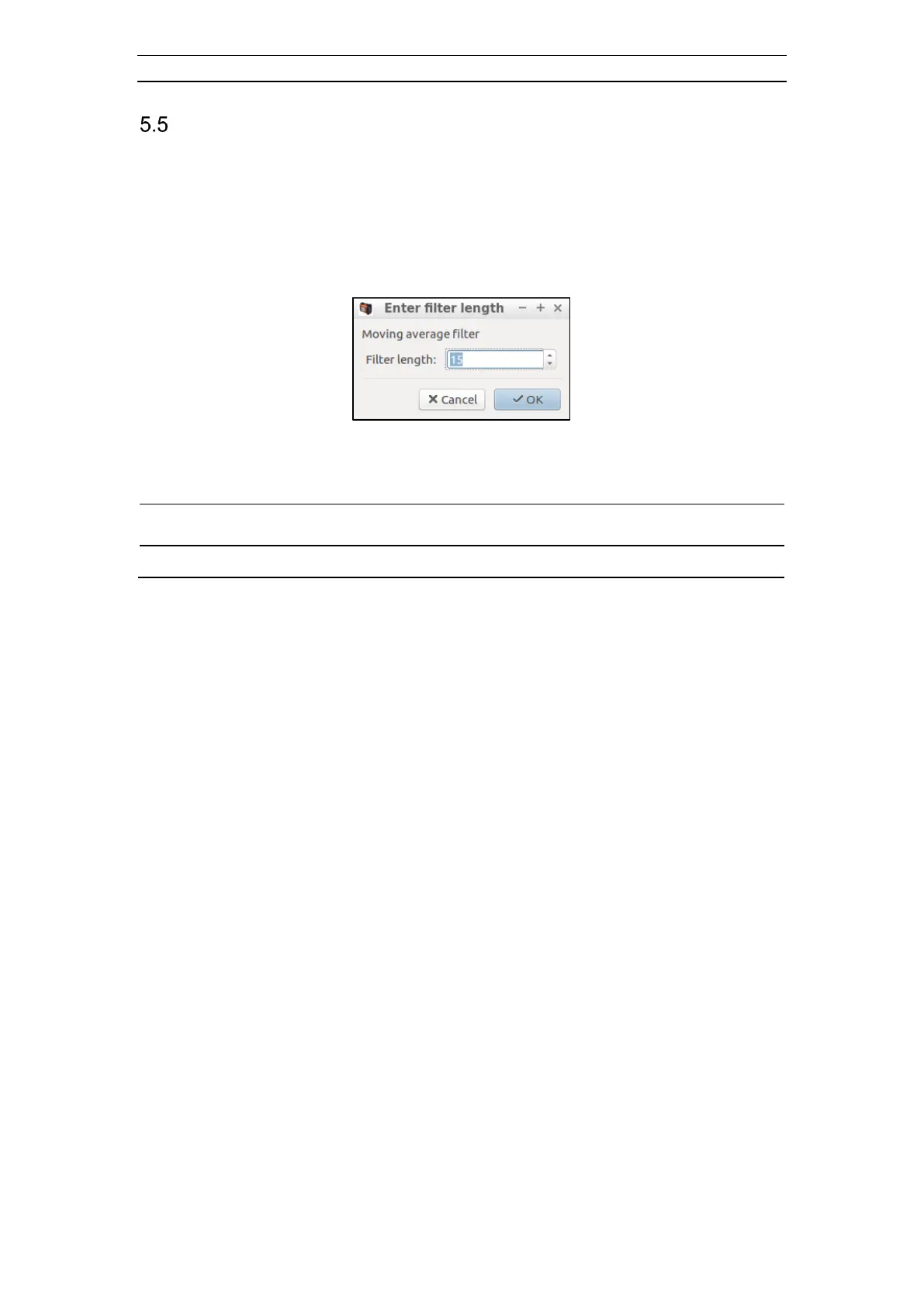
the Enter filter length dialog (Figure 67).
Figure 67 The Enter filter length dialog
Enter the wanted filter length (the number of samples to use) and then press OK.
The next two figures (Figure 68 and Figure 69) first display raw data from a record
acquired using vibration seismic and then after being processed with a moving average
filter with a filter length of 15.



 To Next Page