ABEM Terraloc Pro 2
18
4 The User Interface
The user interacts with the instrument through the User Interface Panel and possibly
connected USB input devices. This chapter explains the basics of this interaction.
The Display
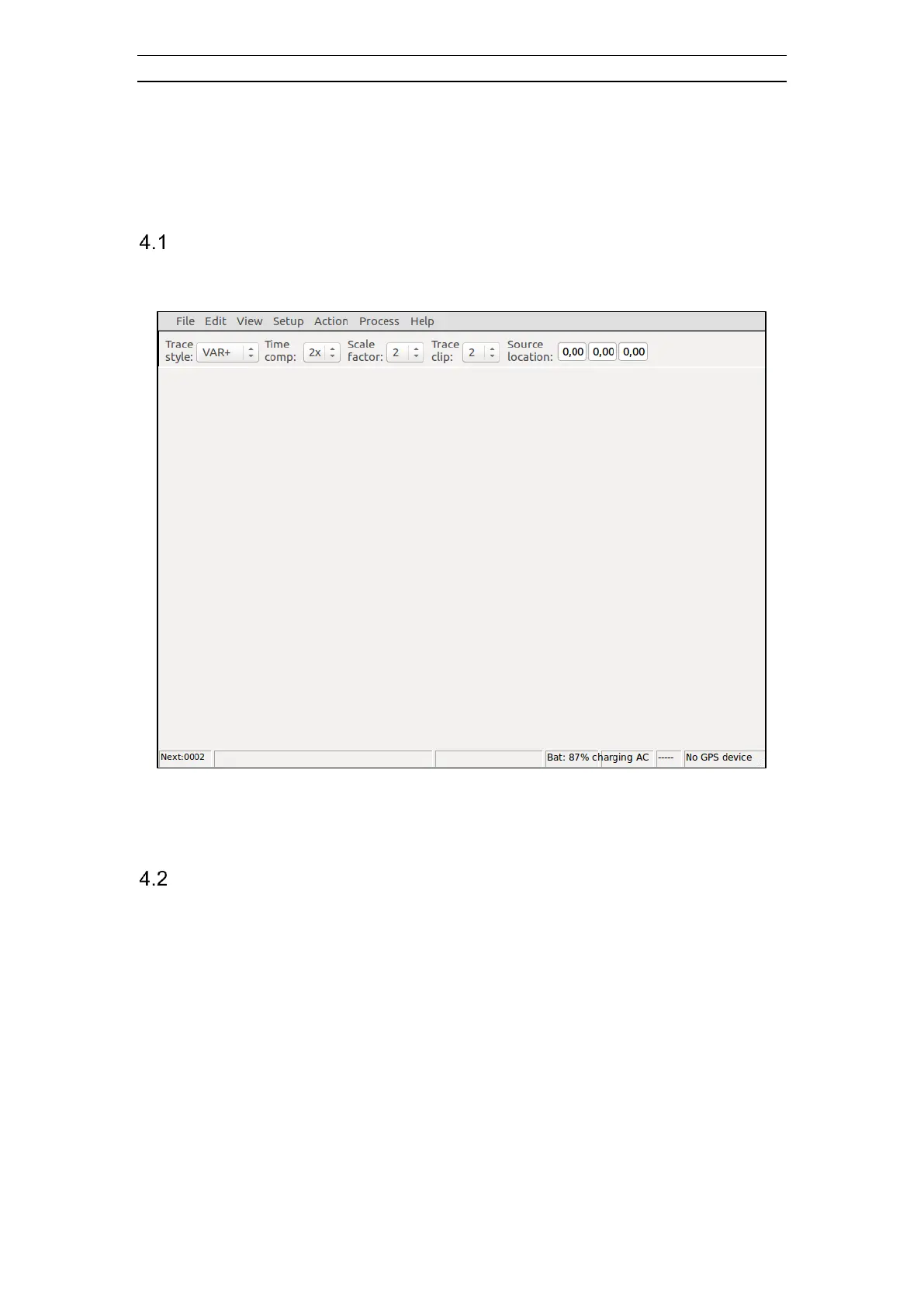
SeisTW will normally be shown on the display. Figure 9 shows the main window,
which is shown if the Wizard mode or if a record is closed.
Figure 9 The SeisTW main window
For more information about the layout parts of SeisTW please see chapter 4.4.
Keyboard and Mouse
Commands from the user are entered through a keyboard and/or a mouse. There is a
built-in keyboard (see



 To Next Page