- When several instruments are interconnected, the external arm
inputs and outputs can be connected in such a way that when one
instrument is armed it in turn will arm the next instrument. If this
choice is checked when the user presses <ARM> on one instrument,
it will wait until it receives an external arm from the last instrument
in the chain before actually accepting the arm event. If no external
arm is received within the timeout set, the instrument will disarm
and the disarm event will propagate to all the other instruments
Table 10 External Arm/Trig settings
4.6.5.3 The Noise Monitor Settings Category
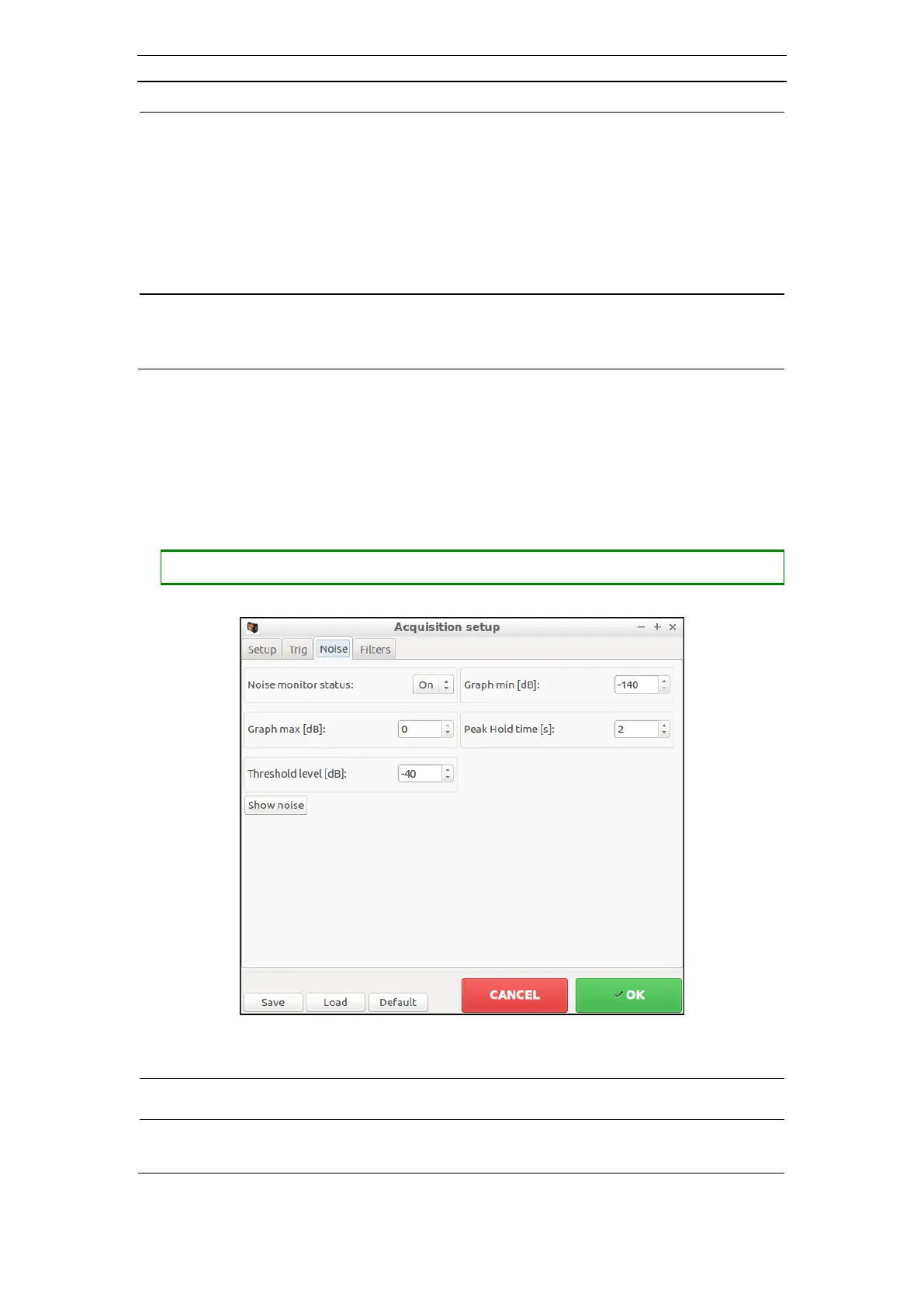
The Noise Monitor Setup dialog (Figure 45) has settings that control the Noise Monitor
dialog (chapter 4.6.6).
• Opening the Noise Monitor Setup dialog (Acquisition Setup dialog with the Noise
tab selected)
- When the noise monitor is On, it will be displayed when the
instrument is armed. Available choices are: On, Off



 To Next Page