- The minimum value of the noise monitor scale
- The maximum value of the noise monitor scale
- The noise monitor will show red markings to show noise peak
values. The peak hold time sets how long the markings will be
shown before disappering
- Sets a threshold level in decibels. Size depends on amplitude
scale of the noise monitor. When the monitored signal exceeds
this threshold level, a warning is displayed in the noise monitor
window
- Press this button to directly display the noise monitor. Press
<ESC> to close it
Table 11 Noise Monitor settings
4.6.5.4 The Filters Settings Category
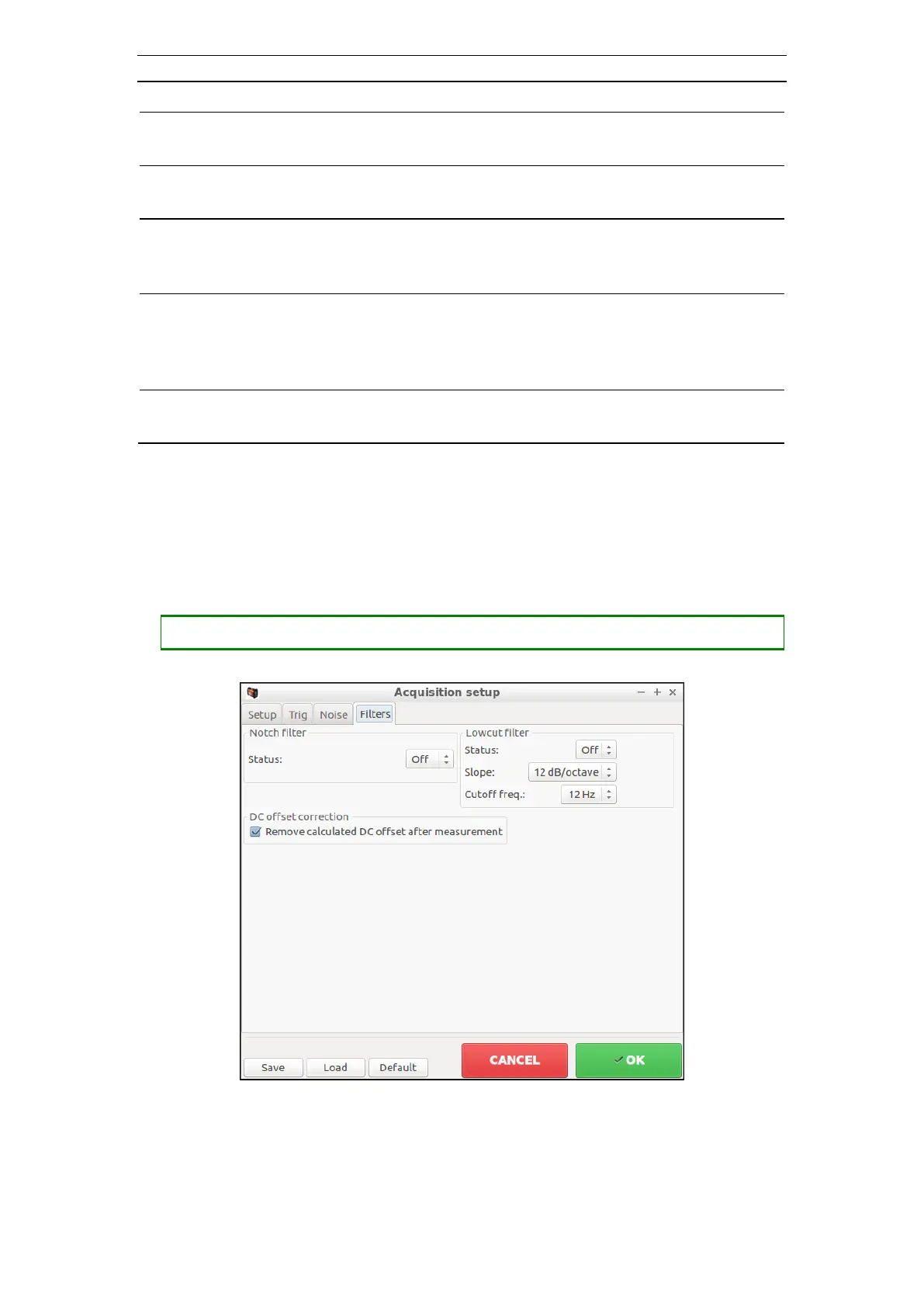
These settings control how SeisTW filter data to be sampled (Figure 46).
• Opening the Filters Setup (Acquisition Setup dialog with the Filters tab selected)
Figure 46 The Acquisition Setup Dialog; Filters tab selected
Signals usually contain noise from sources such as wind and traffic. This noise often
has low frequency. Analog filter removes these frequencies from the signals. However,



 To Next Page