Remove
calculated DC
offset after
measurement
- The measurements are calibrated for internal offset, but offset
during measurements may appear depending on attached sensors
and site conditions. This option will calculate and remove any
DC offset from the measured data.
Table 12 Filter settings
4.6.6 The Noise Monitor Dialog
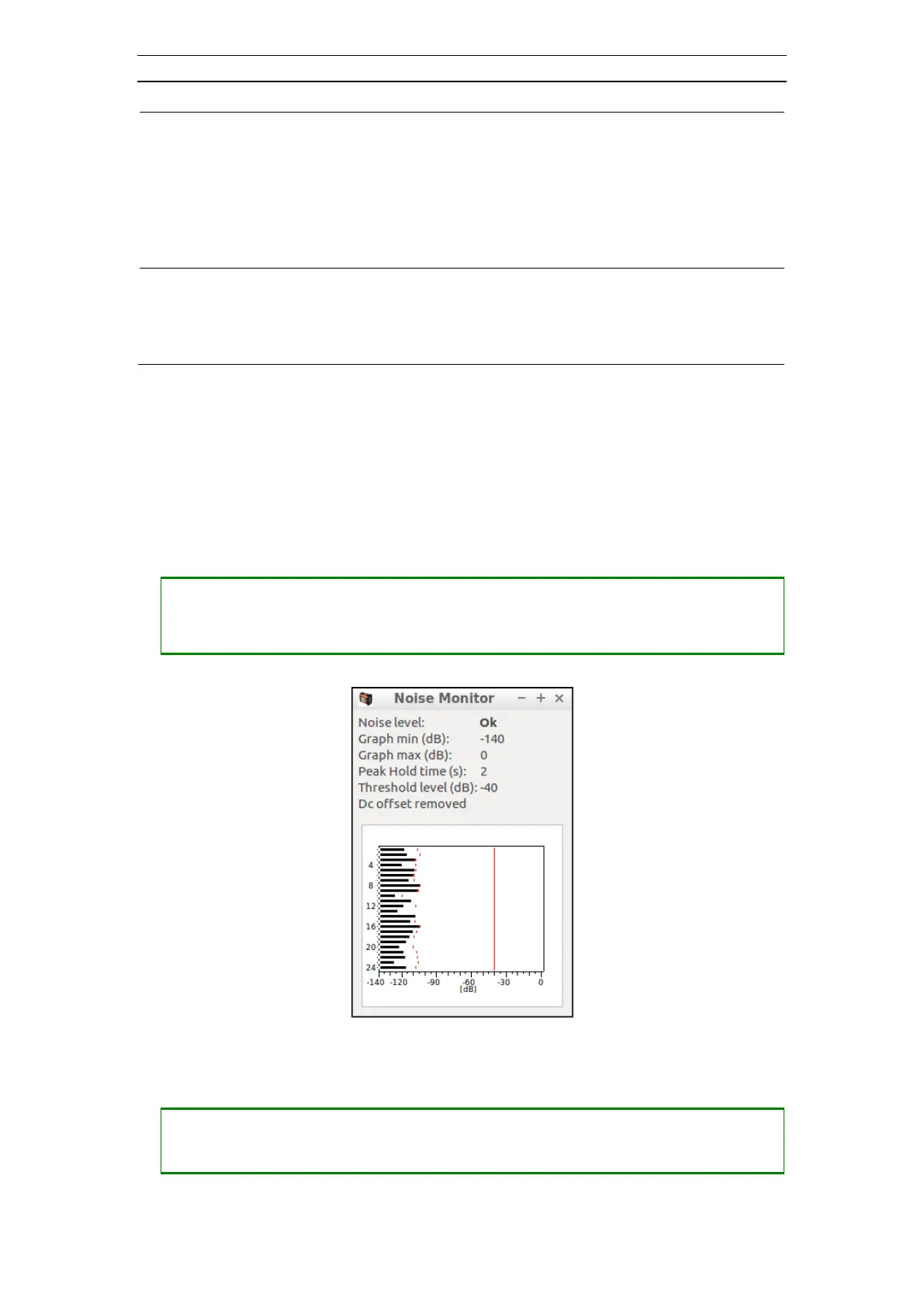
There is a real-time noise monitor integrated in the system. It is displayed in the Noise
Monitor dialog (Figure 47). The Noise Monitor can be used to just inspect the noise
level, or monitor the noise so that the operator is able to fire the shot at the right moment.
• Opening the Noise Monitor dialog
― The Noise Monitor is opened either directly from Noise Monitor Setup dialog
with the Show Noise button or when the Noise Monitor Status is turned on and
the instrument is armed
Figure 47 The Noise Monitor Dialog
• Adjusting the graph min (Figure 48)
― Press <SHIFT> + <+> to increase the graph min in 10 dB step
― Press <SHIFT> + <-> to decrease the graph min in 10 dB step



 To Next Page