ABEM Terraloc Pro 2
64
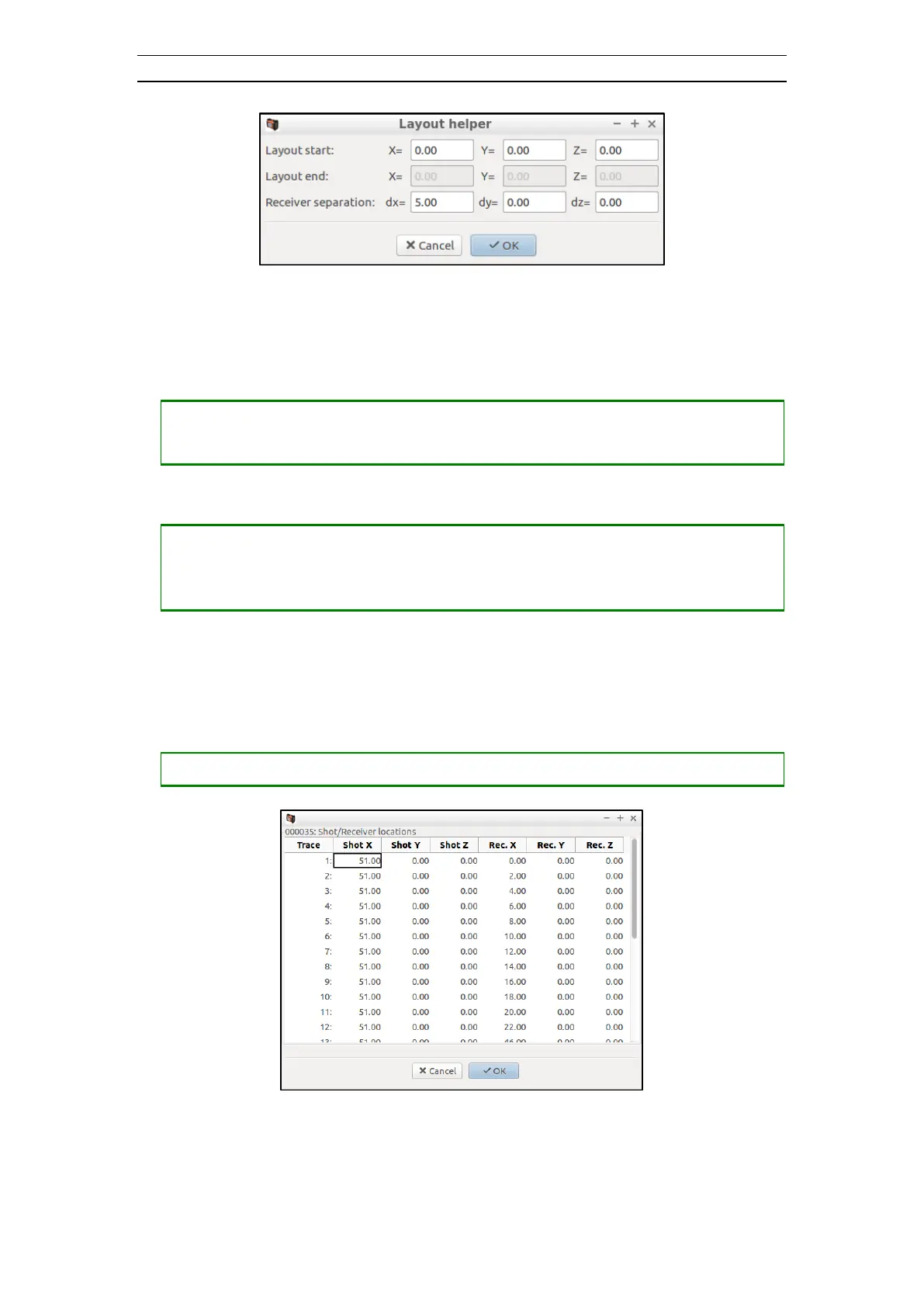
Figure 54 The Layout Helper Dialog
It is possible to enter values in any two of the entries layout start, layout end, and
receiver separation. The third entry is calculated automatically.
• Setting an entry to be calculated automatically
― Press <TAB> to select the entry to be automatically calculated
• Accepting the values and exit
― Press <TAB> to select the OK button
― Press <SPACE> or <ENT> to exit from the dialog and automatically fill in the
receiver locations grid
4.6.11 The Source/Receiver Locations Dialog
This dialog is best used to get a view of source and receiver locations in existing record
data. It also displays the locations per trace.
• Opening the Source/Receiver Locations dialog
― Press <CTRL> + <6> to open the Source/Receiver Locations dialog
Figure 55 The Source/Receiver Locations Dialog
4.6.12 The Header Info Dialog
The Header Info dialog enables input of general header information (Figure 56).



 To Next Page