Position of the timeline (ms)
Measured value at timeline. Unit is available as raw A/D-value, V,
mV, mm/s or cm/s. This is selectable in the view options dialog
Position of the timeline (ms)
Measured value at timeline. Unit is available as raw A/D-value, V,
mV, mm/s or cm/s. This is selectable in the view options dialog
The relative time (ms), the corresponding frequency within parenthesis.
Only displayed when the reference time marker is used
Table 4 Bottom row information
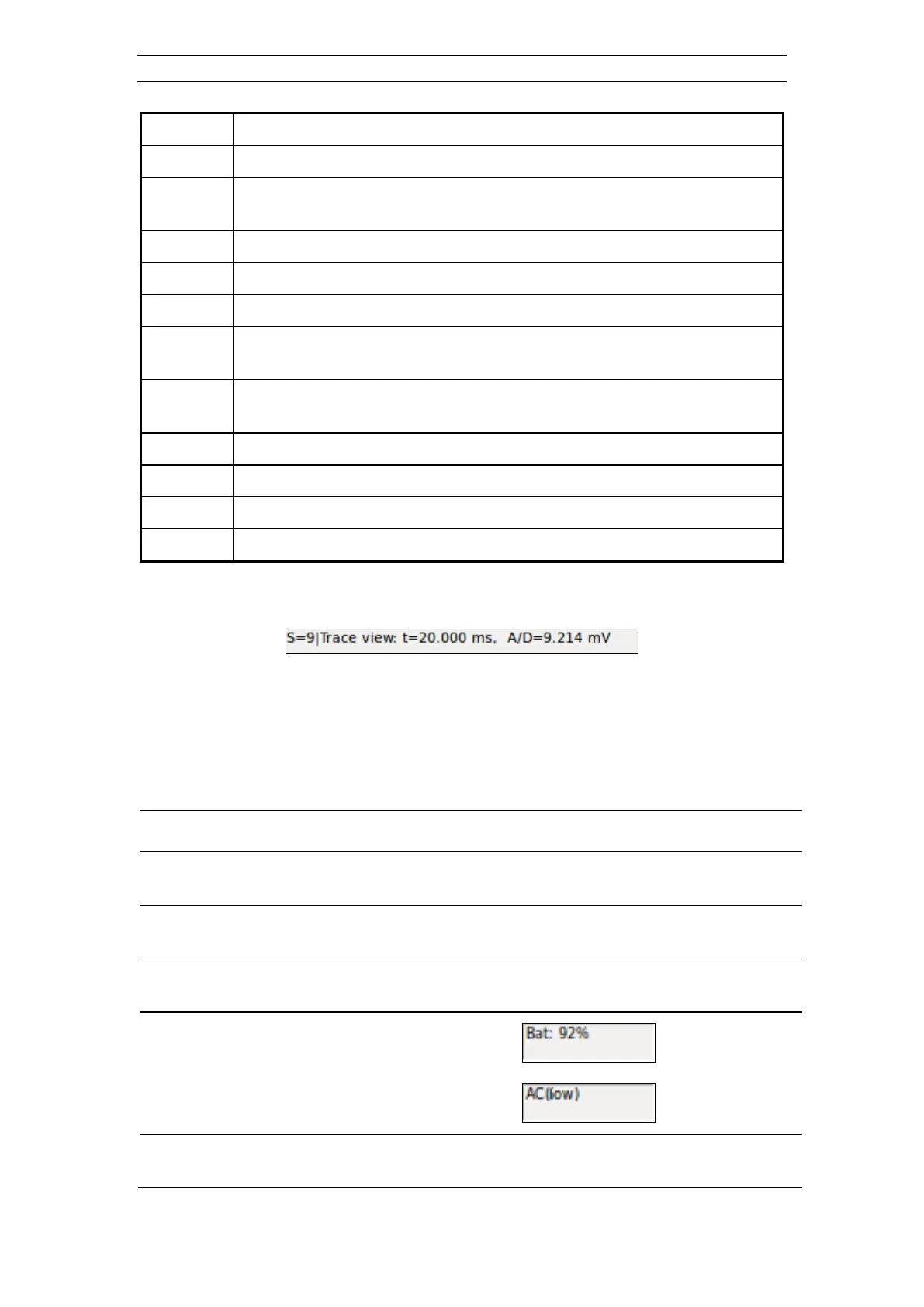
Figure 32 The Record Status Bar with Trace View time
4.4.7 Application Status Bar
The Application Status Bar displays general status information.
There are seven separate fields on the bar:
The current record
number
Is used the next time an acquired record is saved
The active acquisition
mode
Standard, Roll-along, or Optimum offset
The current
instrument state
For possible states see Table 5 below
Error or warning alert
for channels
Each board in the instrument has a one-character place in this
field. See the three dashes in Figure 15. The System



 To Next Page