ABEM Terraloc Pro 2
86
Note! The LAN router or firewall must not block outgoing
traffic on port 5938, 443 or 80.
If you are not familiar with the terminology in this section, and experience problems
with the connection, please contact your local network administrator.
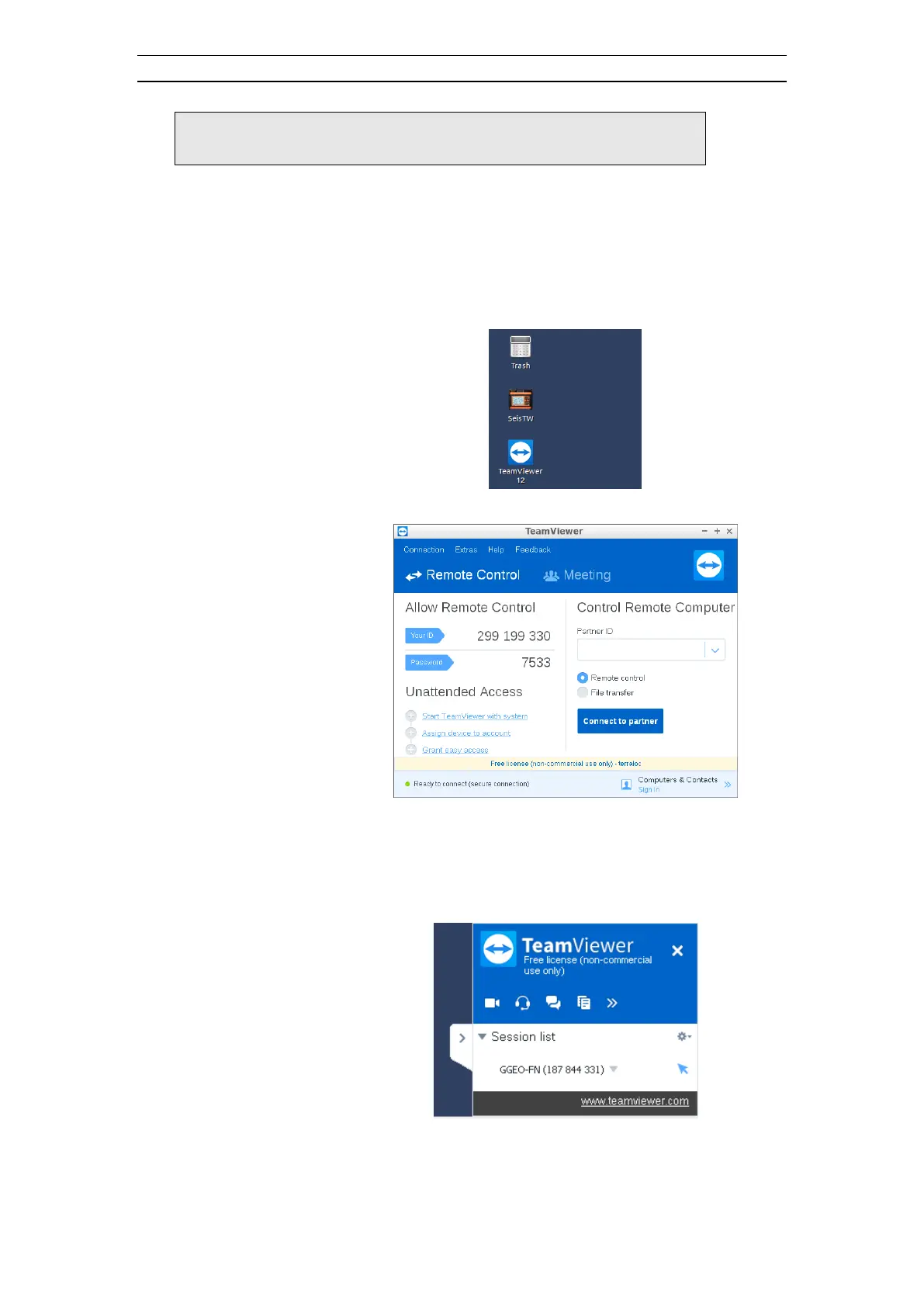
• Establishing a connection
Note down Your ID and Password and send that to the
Guideline Geo support team or the person who you
would like to be able to remotely connect to the
instrument



 To Next Page