122
English
Alarm sending
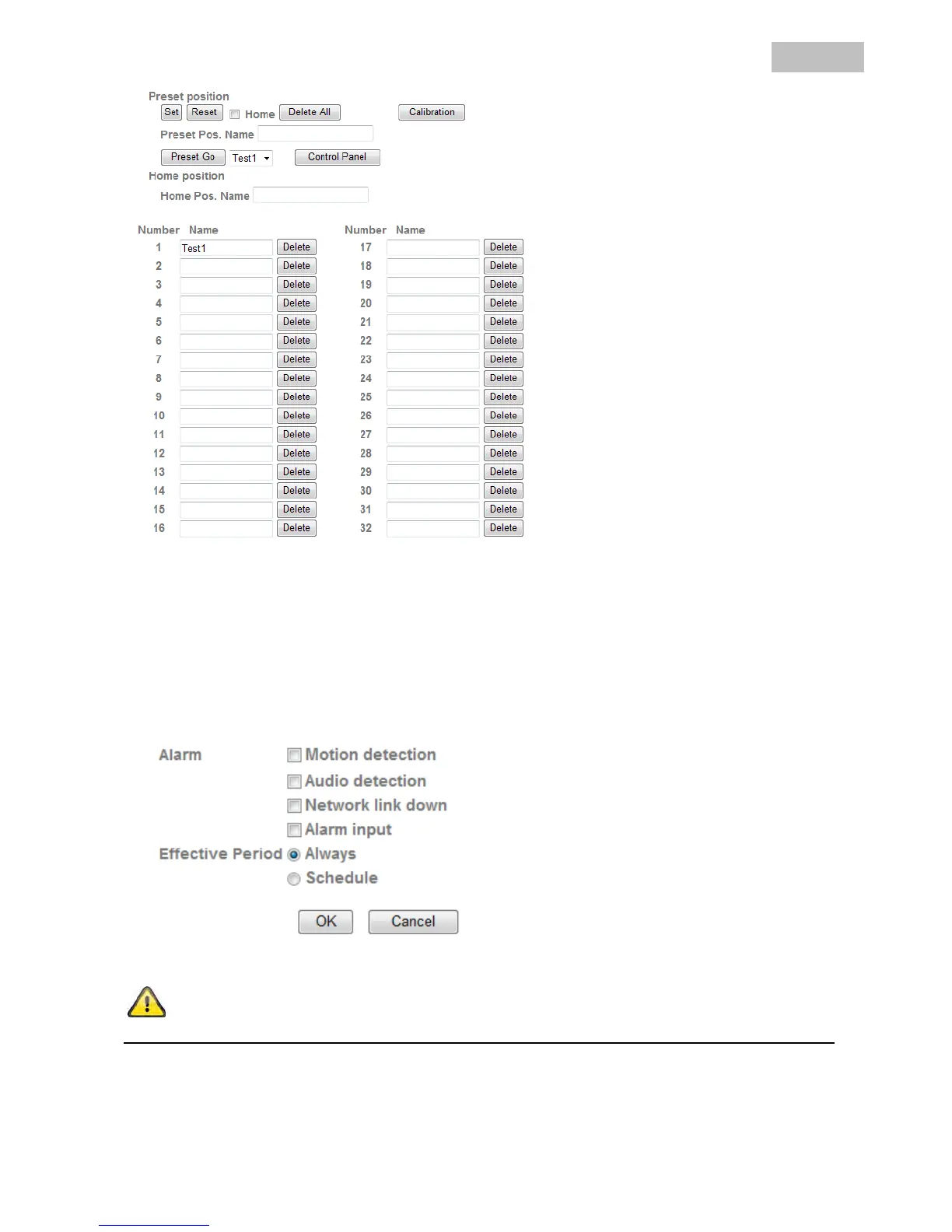
In the event of an alarm, specific presets can be called up. Set the previously saved preset positions here for
the desired alarm sensor. A button for configuring the corresponding alarm detector is available for each entry
(if configuration of the detector or trigger is possible).
Effective Period:
Always: The detectors for these alarms are permanently activated.
Schedule: The detectors for these alarms are activated at defined schedules. Press the
“Schedule” button to configure these settings (see also the “Schedule” section).
Accept the settings by pressing “OK” or cancel them by pressing “Cancel”.


 To Next Page