128
English
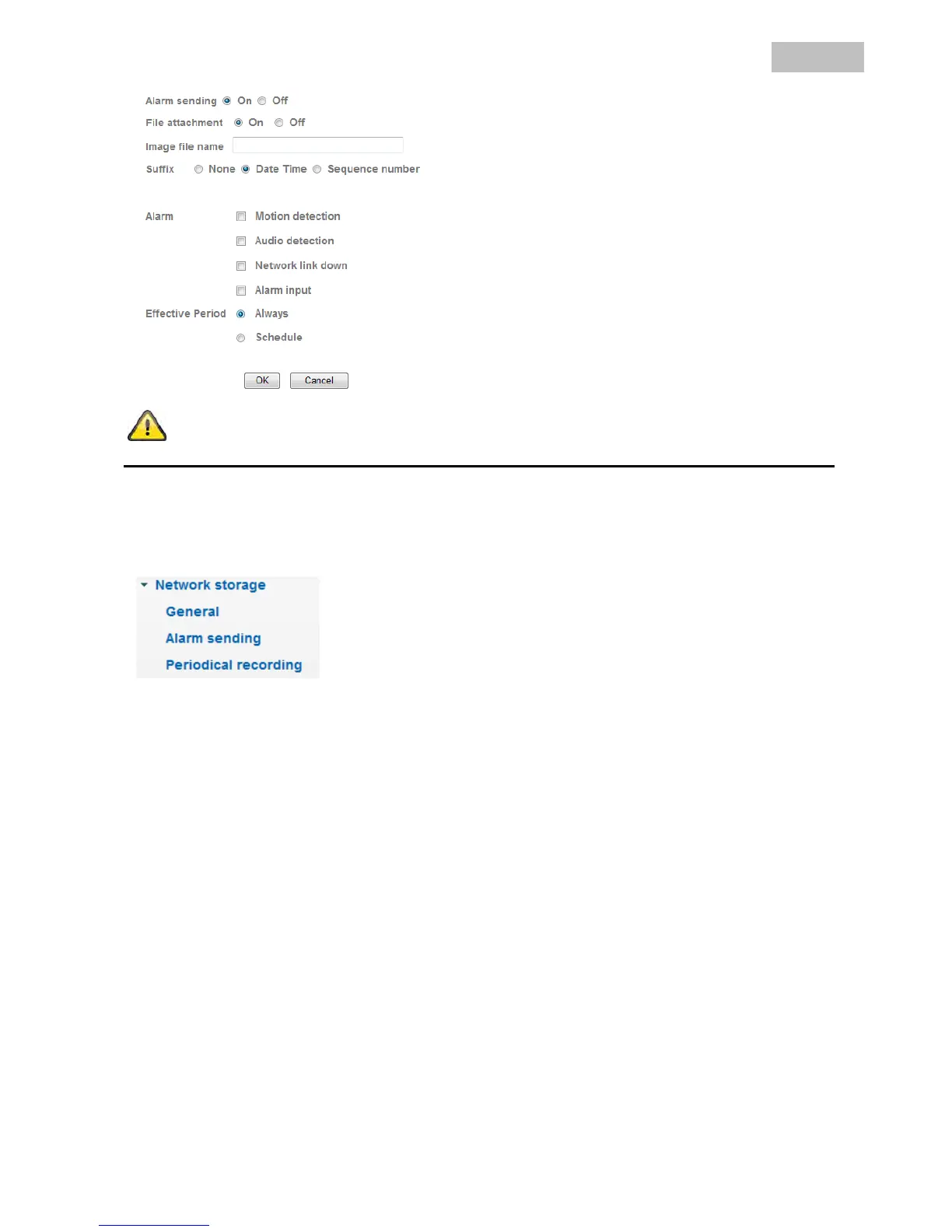
Accept the settings by pressing “OK” or cancel them by pressing “Cancel”.
6.10 Network storage
General
Network storage: Activates or deactivates the function for storing video data on a network drive.
Protocol: Select either the Windows network (SMB/CIFS) or Unix network (NFS).
Windows network (SMB/CIFS)
Network storage location: Entry of the IP or drive/folder on the network drive.
For example: //IP/folder
For example: //my_nas:/folder
Workgroup: Workgroup on the Windows network drive.
User name: User name of the workgroup.
Password: Password of the workgroup.
Re-type password: Confirm the password for the workgroup.



 To Next Page