91
English
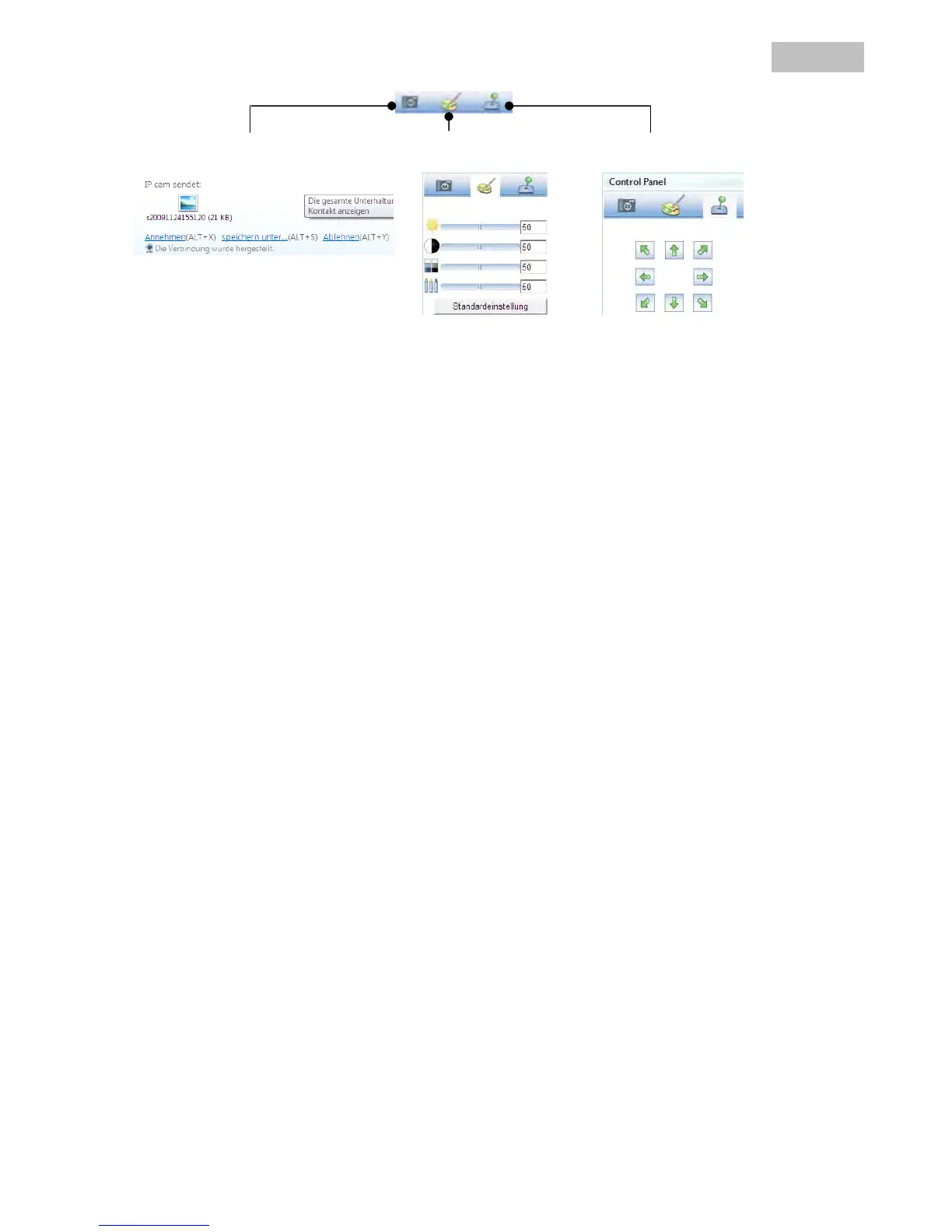
Take a snapshot Change the camera settings PT control
Take a snapshot:
Saves a current snapshot from the live image on the IP camera. The snapshot can then be downloaded over
MSN Messenger.
Change the camera settings:
The following IP camera settings can be changed: Brightness, contrast, saturation, sharpness.
PT control:
Changes the pan/tilt function of the IP camera using the control panel.



 To Next Page