2: Hardware Installation
Mounting options
Several different mounting options are available as described in this section.
Wall mounting
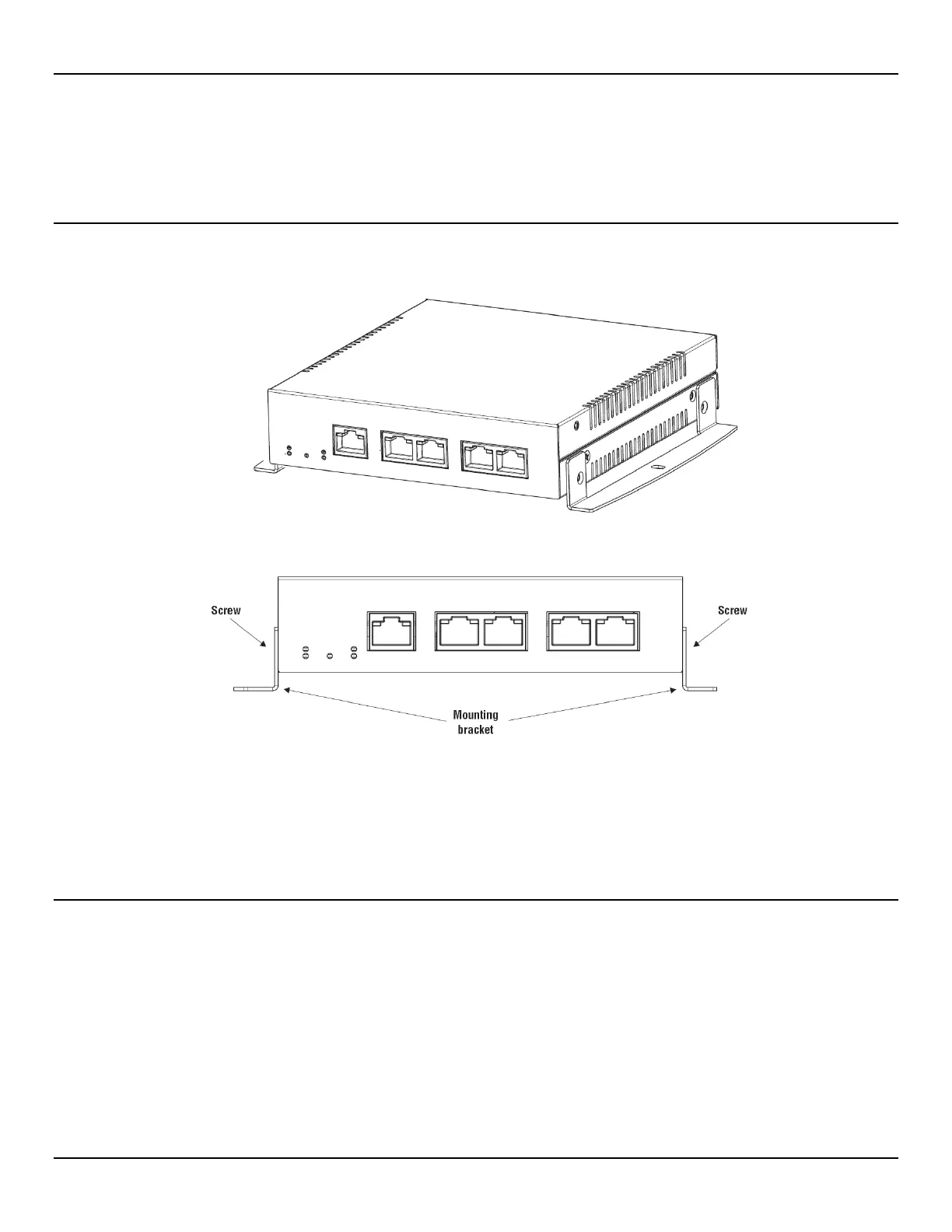
Optional brackets and screws are available for mounting the EtherNID on a wall. Attach the brackets as follows:
When mounting the EtherNID on a wall, ensure that:
• the surface you attach the EtherNID to and the fasteners you use are able to support at least 2 kg (4.4 pounds)
• cable pull (accidental or otherwise) does not make the unit exceed the 2 kg (4.4 pound) limit
Desktop installation
Attach the included rubber feet to the bottom of the unit for added stability when placing on a desktop or other flat surface.



 To Next Page