5: Monitoring & Filtering
Configuring a Bandwidth regulator set
Once a Bandwidth regulator set is created, it can be applied to policies for traffic classification.
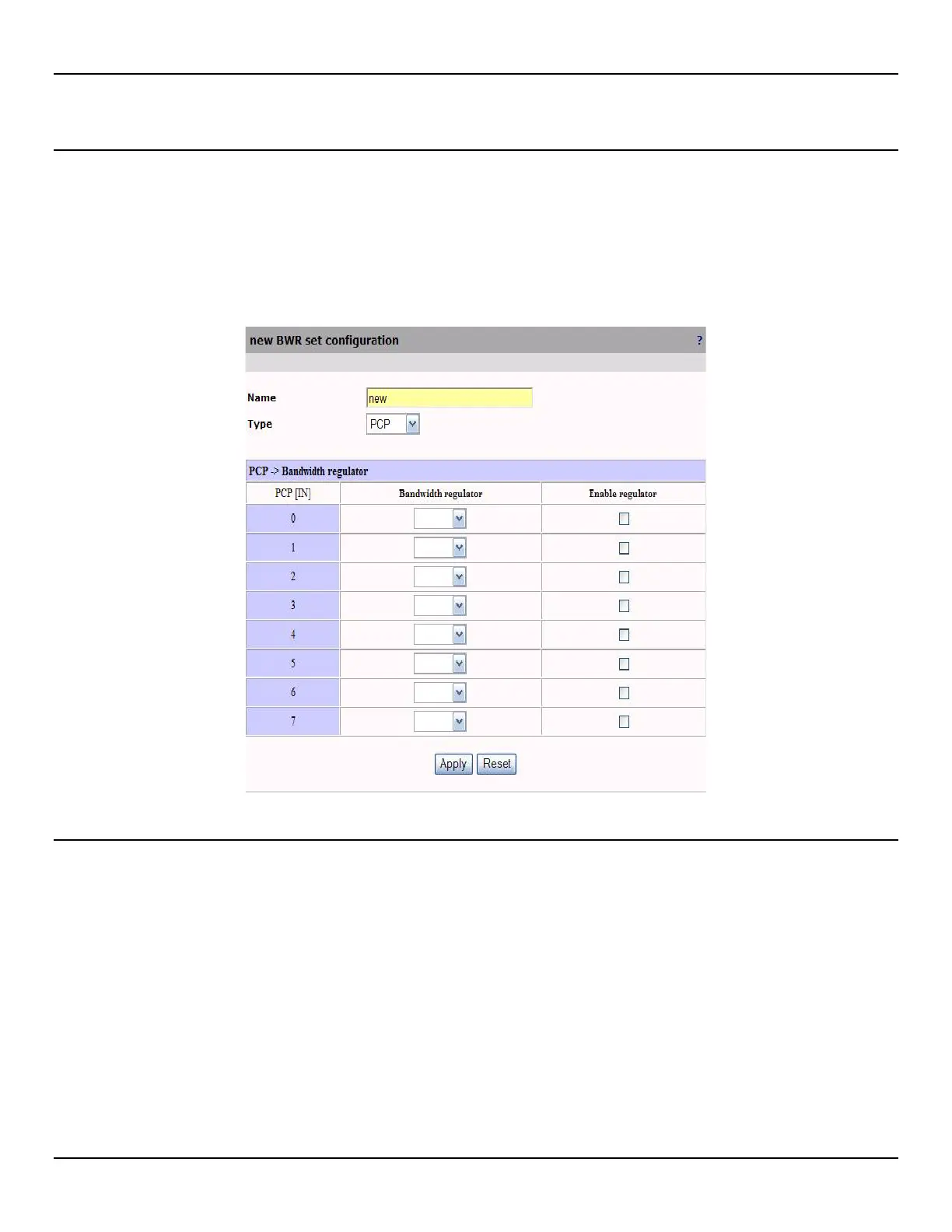
To configure a Bandwidth regulator set, do the following:
1. Open the Traffic > Mapping page.
2. Click Add in the Bandwidth regulator sets section, or click a regulator set name to edit and existing one.
3. Configure Bandwidth regulator set parameters and click Apply.
Bandwidth regulator set parameters
Name
Name of the Bandwidth regulator set.
Type
Indicates the type of Bandwidth regulator set. Possible values are:
z PCP
z IP precedence
z DSCP



 To Next Page