3: Management & Configuration
Remote retrieval of history buckets
NOTE: The Remote retrieval feature is only available on the MetroNID TE/TE-R/TE-S models.
To configure remote retrieval of history buckets, do the following:
1. Open the System > History page on the remote NIDs.
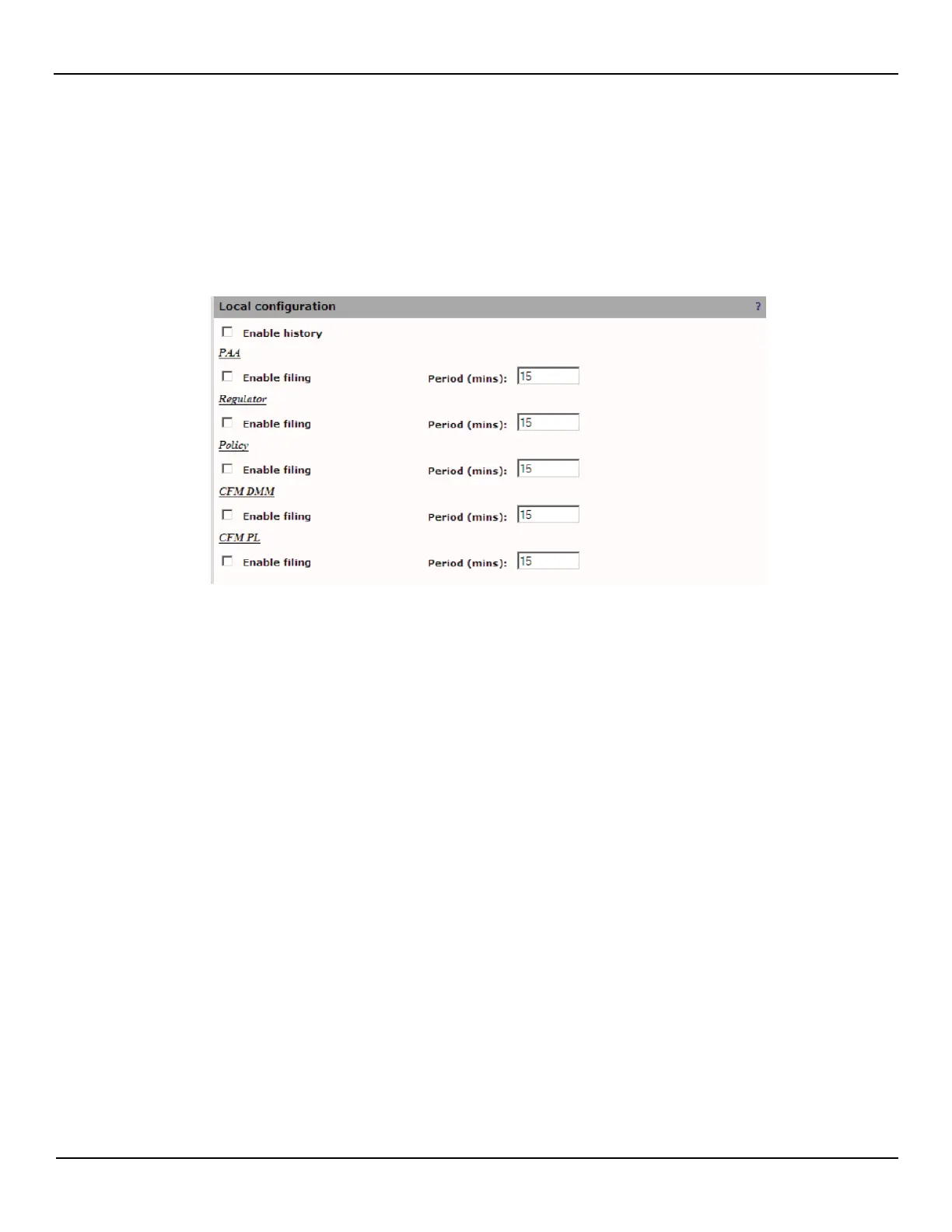
2. Ensure filing is enabled for the desired history buckets and then click Apply.
3. Open the System > Agents > History page on the local MetroNID TE / TE-R /TE-S and add a new remote device.
Then enable scheduling at the desired time slot(s) and provide the URL for the file transfer server.



 To Next Page