3: Management & Configuration
One shot beacon
When the Send button is pressed, the system will send a single beacon frame with the information that has previously
been committed. If changes to the beacon settings have been done without pressing the Apply button, they will not be
effective in the beacon frame.
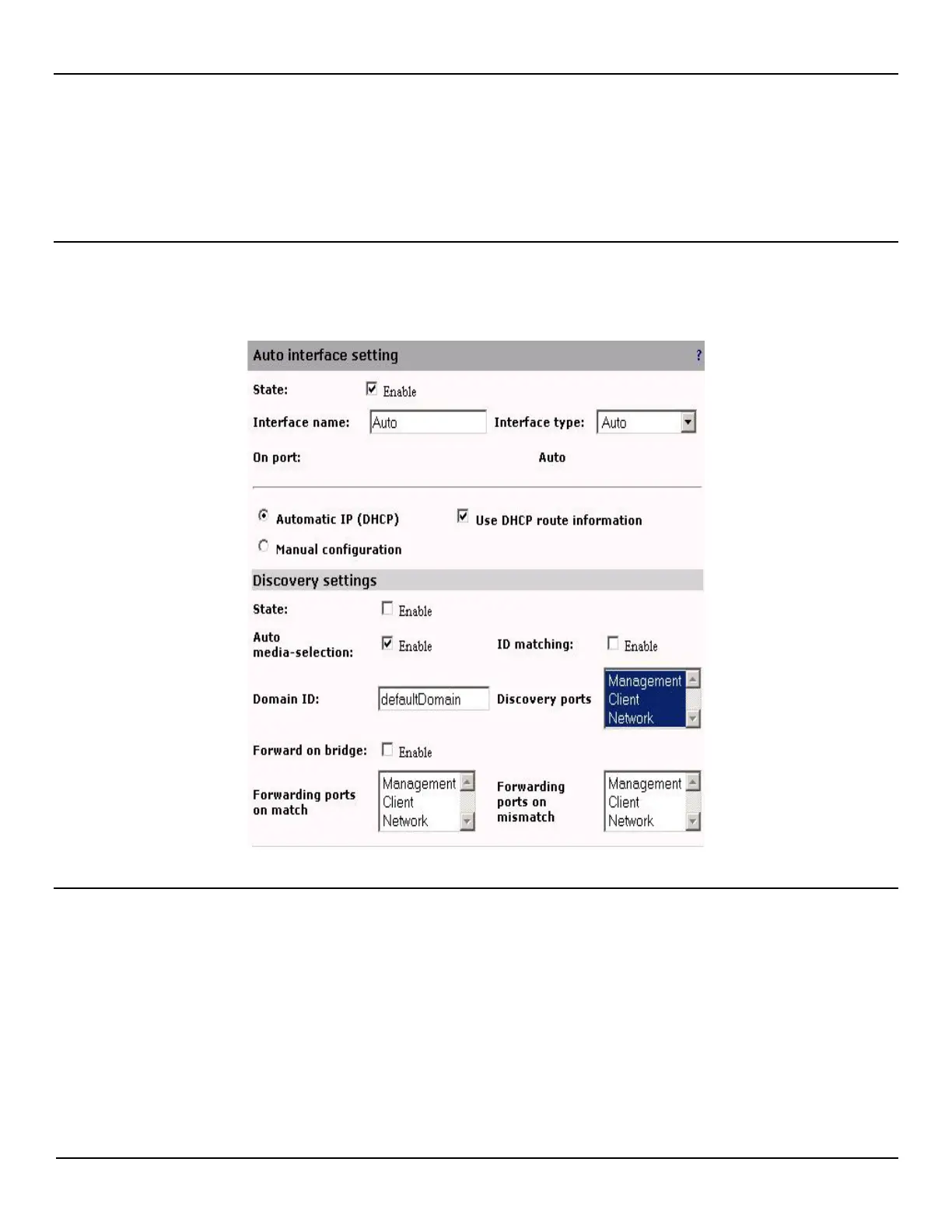
Auto interface settings
NOTE: By Default there is an Auto interface created which cannot be deleted. The Auto interface type can only be
selected for this interface and this can be the only Auto interface created. This interface can however be disabled.
Discovery settings
(only available on Auto interface)
State
Enable or disable the auto configuration of an interface on beacon frame reception. This is enabled by default.
Auto media-selection
Enable or disable the scanning of ports to find out which ports have a link up. When 1 or 2 links are detected, the
appropriate media-selection mode is automatically selected. This should be used for initial system discovery and disabled
after the system has been configured. Note that when Discovery state is disabled, auto media-selection is also disabled.



 To Next Page