5: Monitoring & Filtering
5 Monitoring & Filtering
C
Service mapping
The EtherNID can perform EVC mapping (which is essentially a VLAN push), CoS mapping and Bandwidth Policing
mapping. These options can be used together or separately.
Prior to creating CoS profiles and/or Bandwidth regulator sets, appropriate filters and bandwidth regulators will need to be
created. See section Traffic Filters and Bandwidth Policing below for details about creating filters and regulators.
A CoS profile is used to map an input packet to an L2 class of service. This traffic mapping (classification) is
accomplished using the following fields in the incoming packet:
z p-bits in 802.1Q / 802.1Q .1Q tags
z IP precedence bits in IPv4 TOS byte
z DSCP bits in IPv4 DSCP byte
The class of service value (0-7) assigned to the outgoing traffic is selected based on the conformance level
(Green/Yellow) of the incoming traffic.
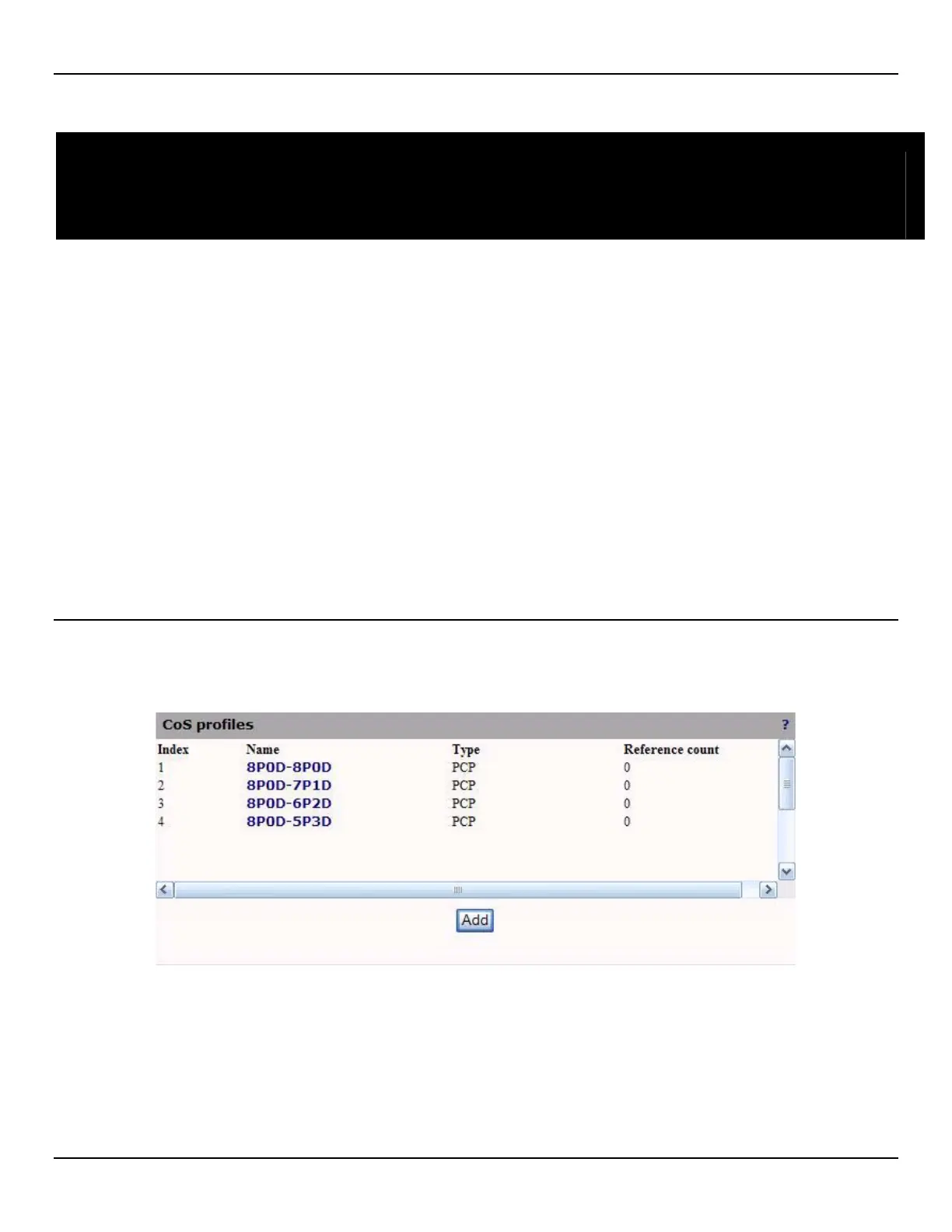
Viewing CoS profiles
To view a list of configured CoS profiles, open the Traffic > Mapping page. By default, commonly used profiles. Index,
CoS profile's unique identifier.
Name
CoS profile's name as defined in the configuration page. Click this name for more details.
Type
CoS profile's type. Possible values are:
z PCP



 To Next Page