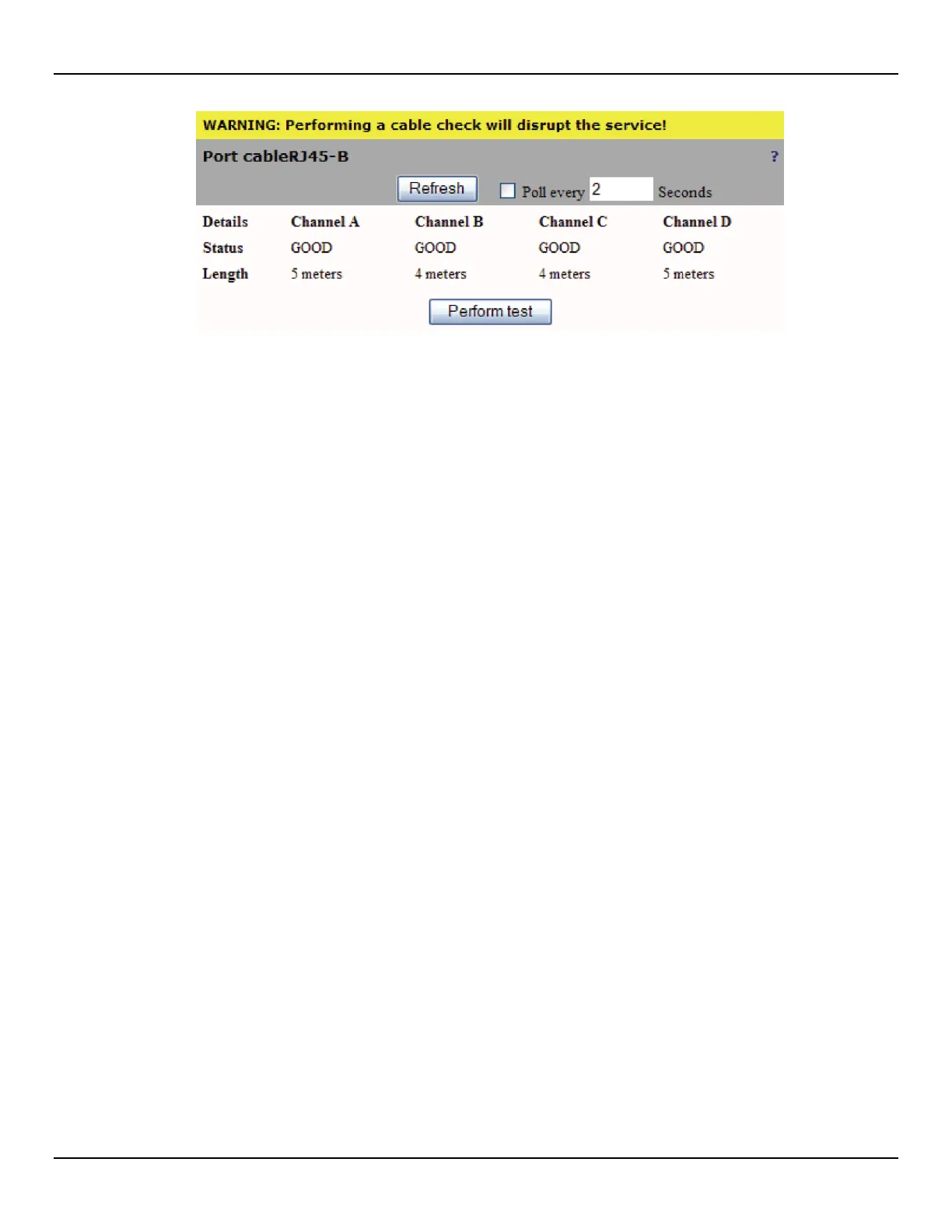
4: Port configuration
When completed, test status will be one of the following:
z GOOD: Normal cable.
z SHORT: Indicates that the positive and the negative lines of the same cable pair are touching: Possible
causes include:
z Cable wire may be touching the wire closet patch panel.
z Cable may be worn or broken allowing the positive and negative lines to touch.
z OPEN: Indicates that one pair on the cable is not connected at the far end of the cable. Possible causes
include:
z Cable is not connected.
z Cable was cut.
z FORCED: Indicates a persistent noise on the cable. This can be caused by a link partner running forced at
10/100 Mbps. Cable length is not available when the test results indicate FORCED.
z FAIL: If the remote partner sends traffic at the same time as the test is being conducted, then these packets
may interfere with the TDR resulting in a FAIL status.
z Impedance Mismatch: Indicates that the effective impedance is not 100 Ohms. the TDR can determine an
impedance mismatch. Possible causes include:
z Different quality cables are connected together through a cable extender.
z A low quality cable is being used.



 To Next Page