3: Management & Configuration
Routes
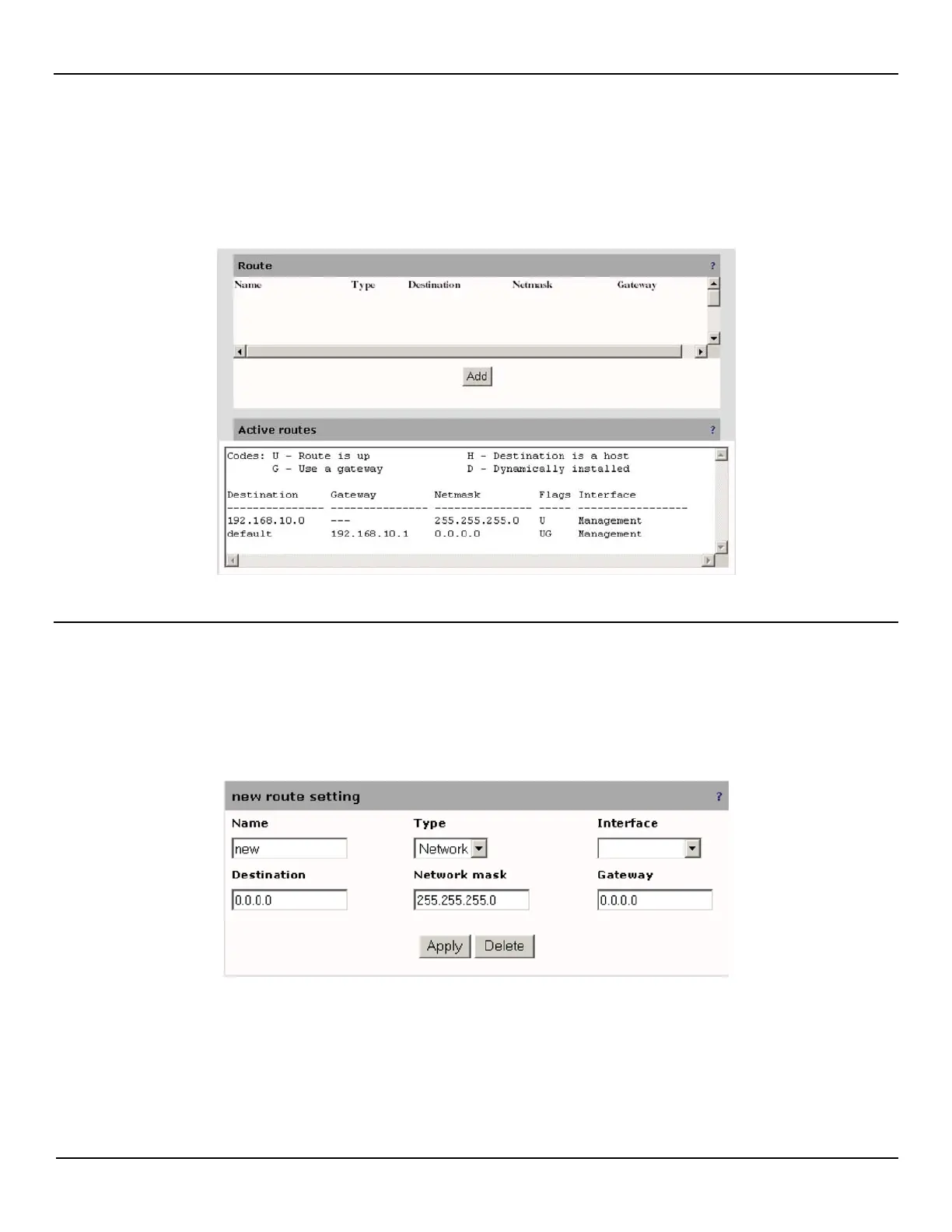
Select System > Interface to open the routes pages, which shows all active routes on the EtherNID. Initially, no routes are
defined.
Adding a route
To add a system route, do the following:
1. Open the System > Routes page.
2. Click the Add button in the Routes box.
3. Define route parameters as required by your setup and then click Apply.



 To Next Page