3: Management & Configuration
Ping and Traceroute
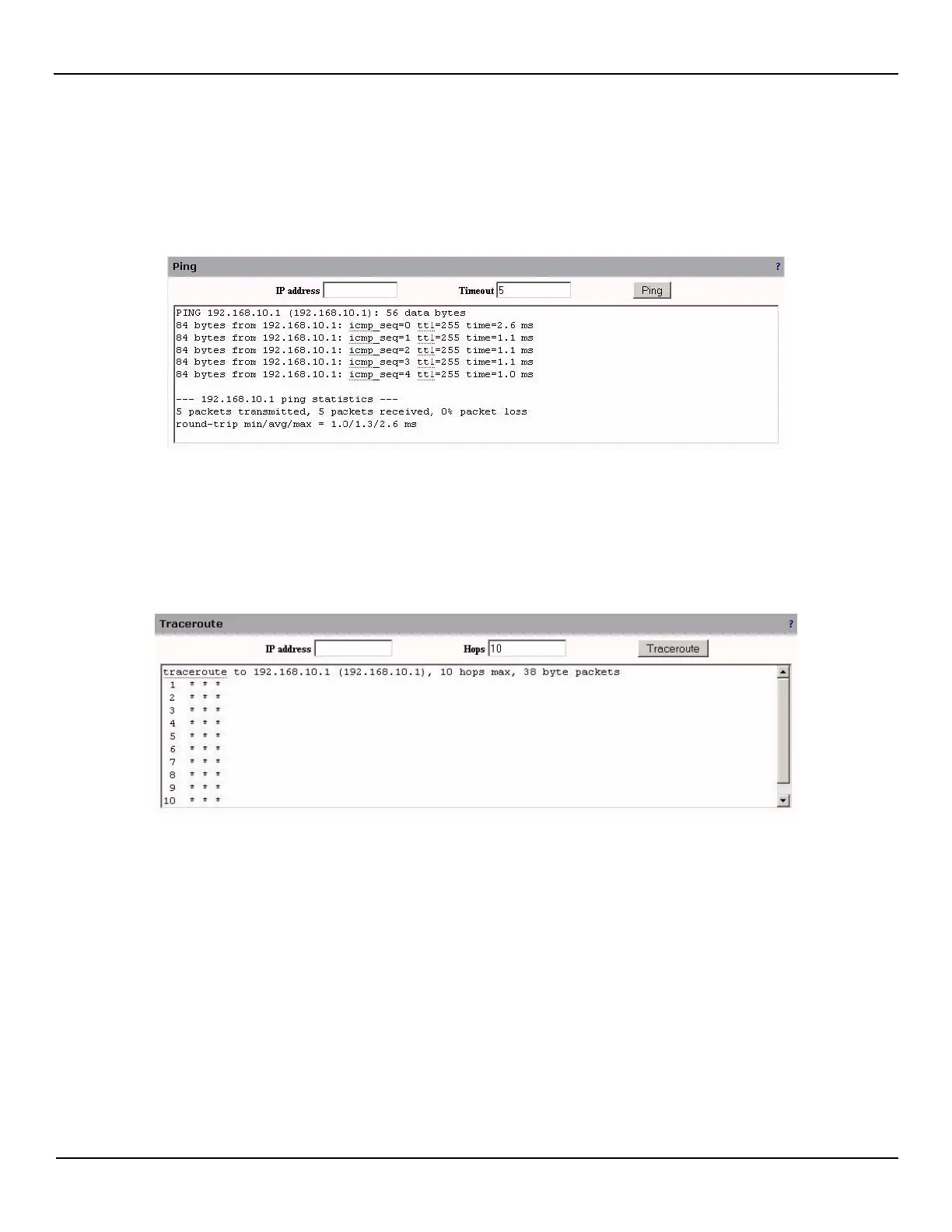
This section allows the use of the ping and traceroute commands.
Open the System > Maintenance > System Tools page.
IP address
Specify the IP address to PING
Timeout
Number of PING messages to send (maximum count is 10).
IP address
Specify the IP address to TRACEROUTE
Hops
Number of hops to try (maximum hops is 30).



 To Next Page