3: Management & Configuration
History buckets
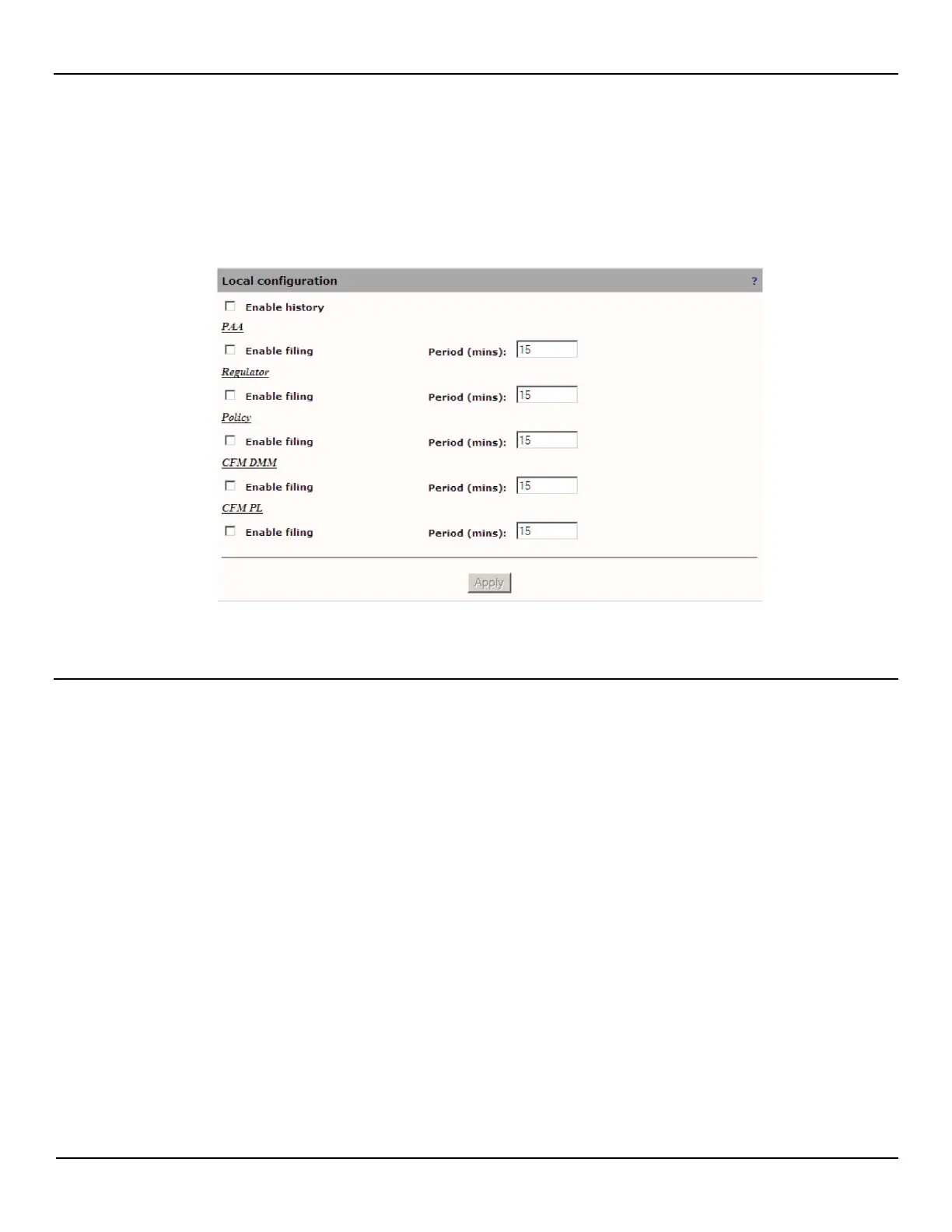
To configure local history bucketing, do the following:
1. Open the System > History page.
2. Define the history parameters as required and then click Apply.
Local Configuration
Enable history
This will start the creation of history files being stored in RAM. These will then be accessible through SNMP.
Enable filing
This will enable the history files to be stored locally instead of storing this information in the RAM. This will enable the
remote retrieval of these files as well as protect against losing these statistics history in the event of a power failure or
reboot. Unchecking this box will result in the existing history files for this feature to be removed locally.
Period
The frequency, in minutes, of storing the statistics history into files.



 To Next Page