5: Monitoring & Filtering
Assigning a CoS profile to a policy
Once a CoS profile has been configured you can assign it to a policy. See Traffic policies and monitoring on page 104.
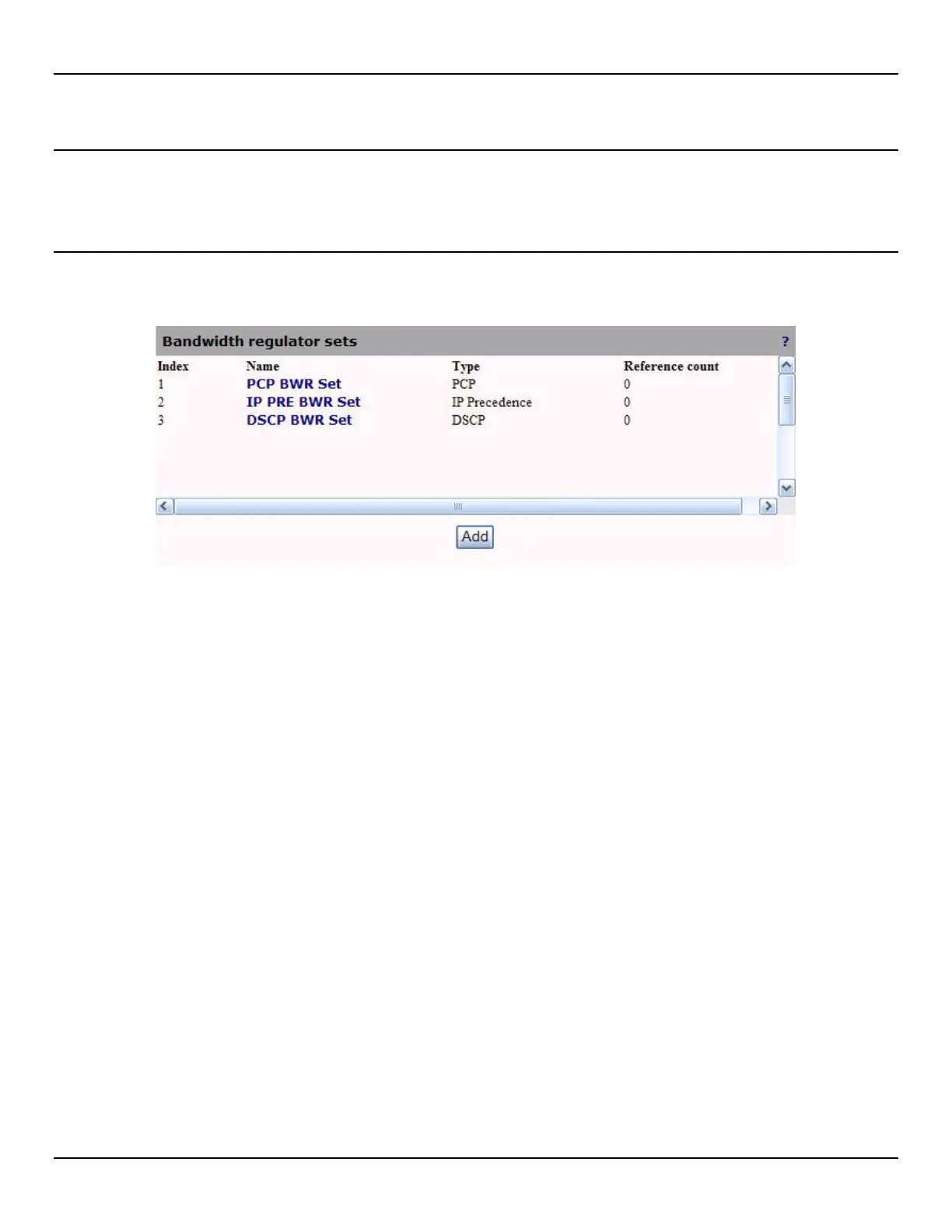
Viewing Bandwidth regulator sets
To view a list of configured Bandwidth regulator sets, open the Traffic > Mapping page.
Index
Bandwidth regulator set's unique identifier.
Name
Bandwidth regulator set's name as defined in the configuration page. Click this name for more details.
Type
Bandwidth regulator set's type. Possible values are:
z PCP
z IP precedence
z DSCP
Reference count
The reference count is the number of policies that are currently using this Bandwidth regulator set.



 To Next Page