3: Management & Configuration
Configuring interfaces
The EtherNID lets you define multiple logical interfaces for management purposes that can be active on different ports.
This includes defining bridges and VLANs.
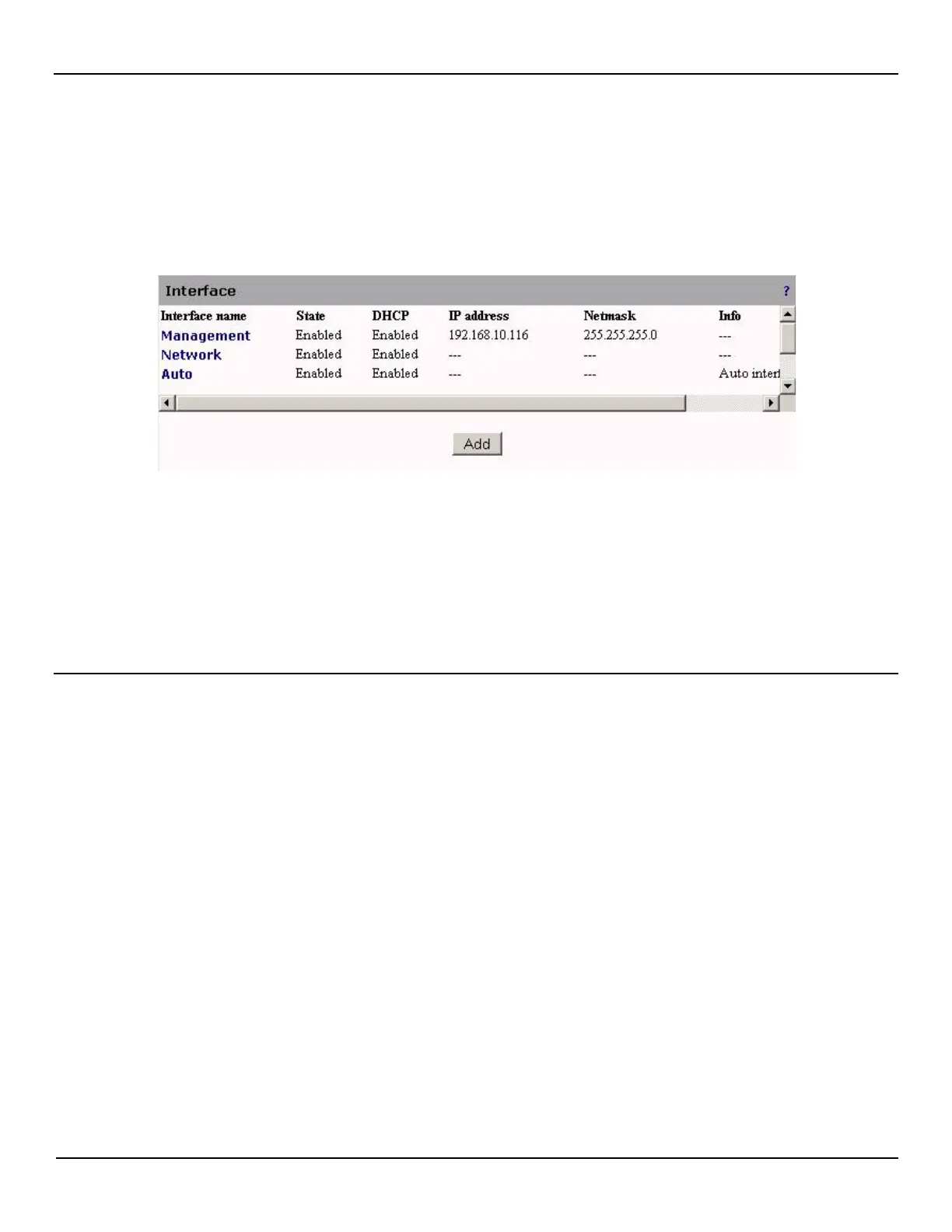
To see a list of all logical interfaces. Open the System > Interface page.
By default, three interfaces are defined:
• Management: This is the default interface that enables access to the management web interface via the
management port. If you modify this interface you may lose access to the management web interface.
• Network: This is the default interface active on the network port.
• Auto: This is the Auto interface which will be listening for beacons by default on all ports. Once it receives a
beacon, there will be an interface automatically configured for the port on which the beacon was received.
Creating or editing an interface
To create or edit an interface, do the following:
1. Open the System > Interface page.
2. Click the Add button to add a new interface, or click the name of an existing interface to edit its settings. For
example, if you click the Management interface you will see:



 To Next Page