4: Port configuration
4 Port configuration
C
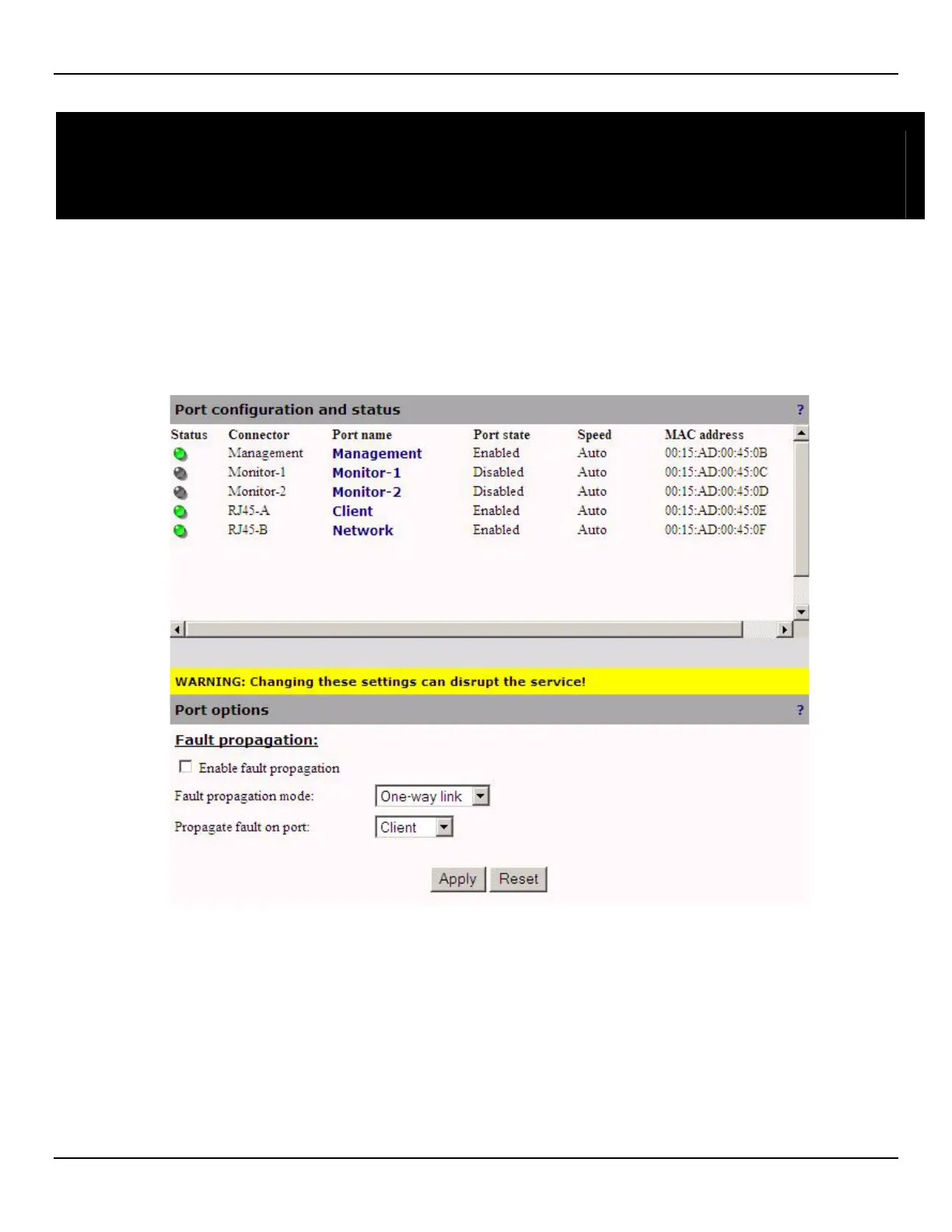
Port list and port status
To view a list of all ports and their status, open the Port > Configuration page.
• You will see the following page on an EtherNID EE:
• You will see the following page on an EtherNID GE or MetroNID TE / TE-R / TE-S:
NOTE: On a TE-S the ports will be SFP-A, SFP-B, SFP-C, SFP-D



 To Next Page