8 Access Sensor Technologies UPAS User Guide
Power On/Off Sequence
Turning the UPAS On
Prior to powering up the UPAS, ensure that you have installed the microSD card
and that you have properly installed a filter cartridge and Cyclone Inlet cap.
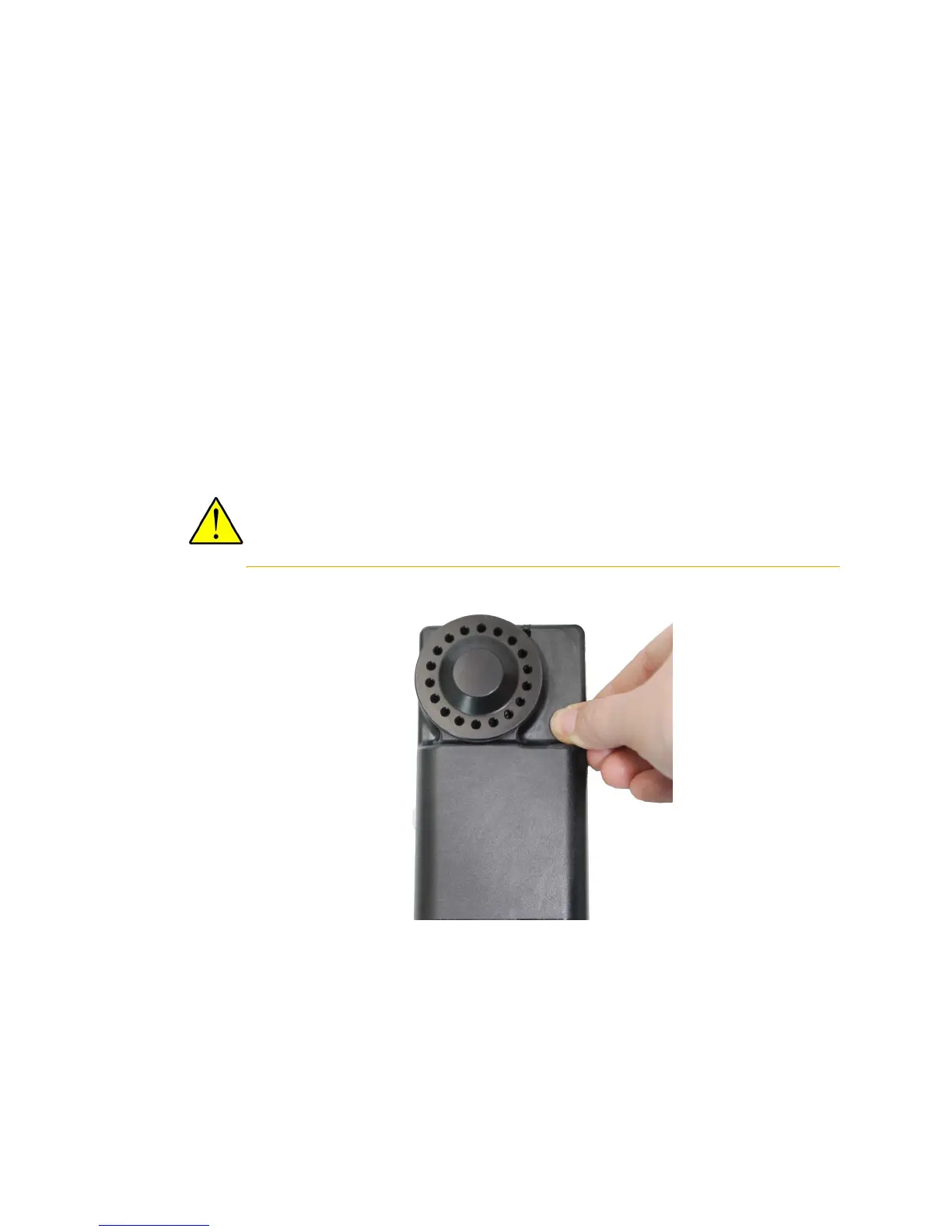
Press the power button firmly until it clicks. Continue holding until the LED light
turns on (about five seconds). Release the button. Note that the pushbutton
requires an uninterrupted hold down of at least five seconds. If pressing the
pushbutton is interrupted, the UPAS does not power on; repeat the process.
The button light should briefly be a blue/cyan color indicating that the unit is
powering up. Watch the power button for the power-on status indicator
sequence. Refer toFigure 2 on page 9 and Table 2 on page 10 for the power-on
sequence.
CAUTION: Never run the UPAS without a 37 mm filter cartridge with filter in place.
It is possible to get contaminants in the unit. Dust and other particulates may
damage the pumping elements.
Turning the UPAS Off
Press the power button firmly until you feel a click. Continue to hold it in this state
for at least five seconds, until the LED light turns off. Release the button. If the unit
has been successfully powered down the LED status light is off. If the UPAS fails to
shut down, try again with a fresh five second button hold.


 To Next Page