Access Sensor Technologies UPAS User Guide 33
Running the UPAS Android App
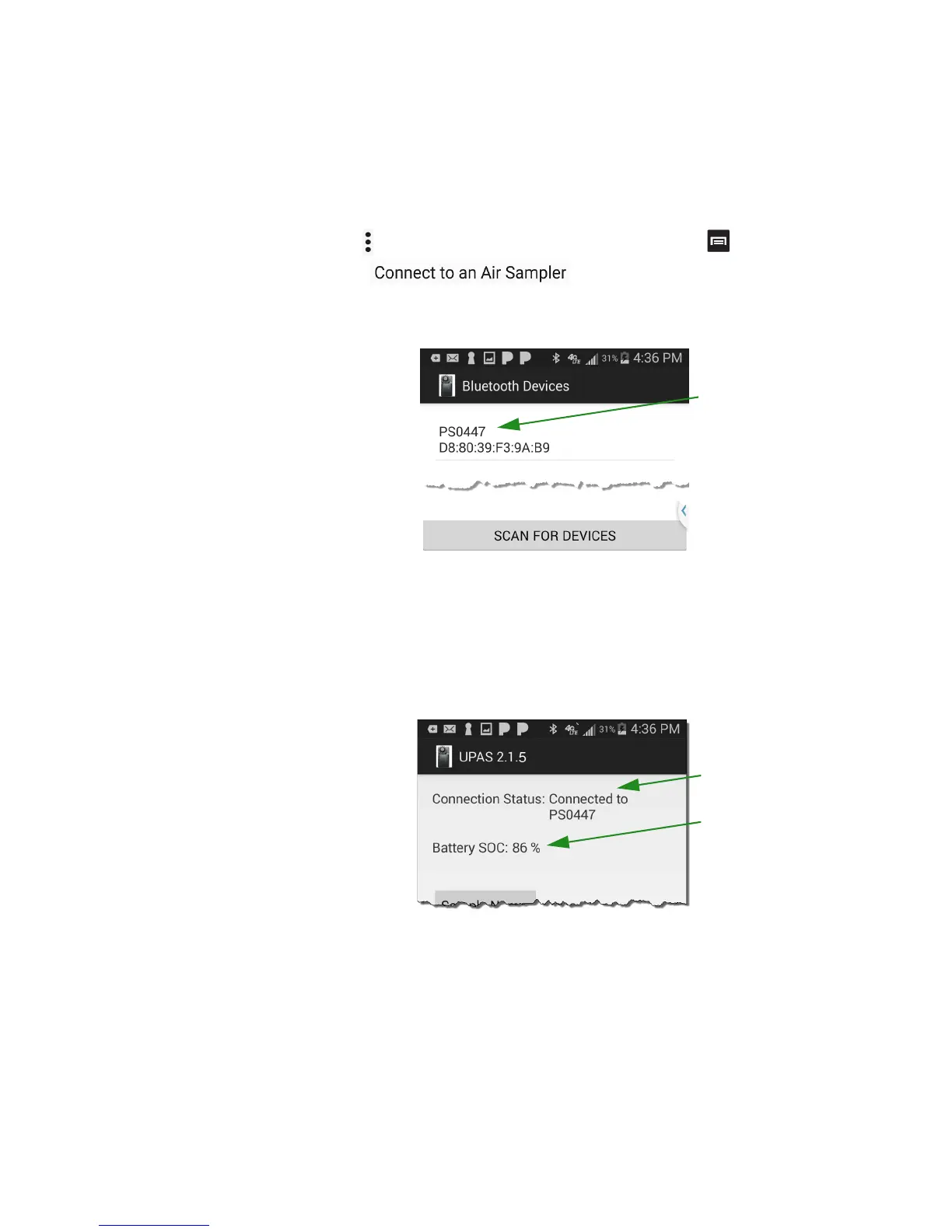
1 The first time you run the App, the Connection Status is Disconnected. On
some Android devices, touch or tap the three dots at the top right of the
screen . On other Android devices, tap the Menu Key . This opens the
prompt, .
2 The mobile device App searches for Bluetooth devices and lists all devices
that it finds.
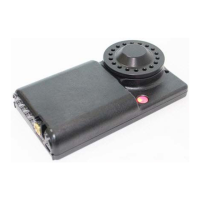
3 Tap the device matching the serial number on the back of your UPAS.
4 The Connection Status on the App changes to “Connected to <UPAS
serial number>”. The UPAS Status light should turn from pink to blue.
5 The Battery SOC indicates the current charge capacity of the UPAS
internal battery.
When you tap the Start button, the App prompts you and indicates that you are
about to start the UPAS data collection. Tap OK.


 To Next Page