User Manual The Accutech Software 6-
The Accutech Software
Accutech Security Systems are NOT computer –dependent. The software
is for notification and reporting purposes only and does not affect nor
control the physical Accutech Security System components.
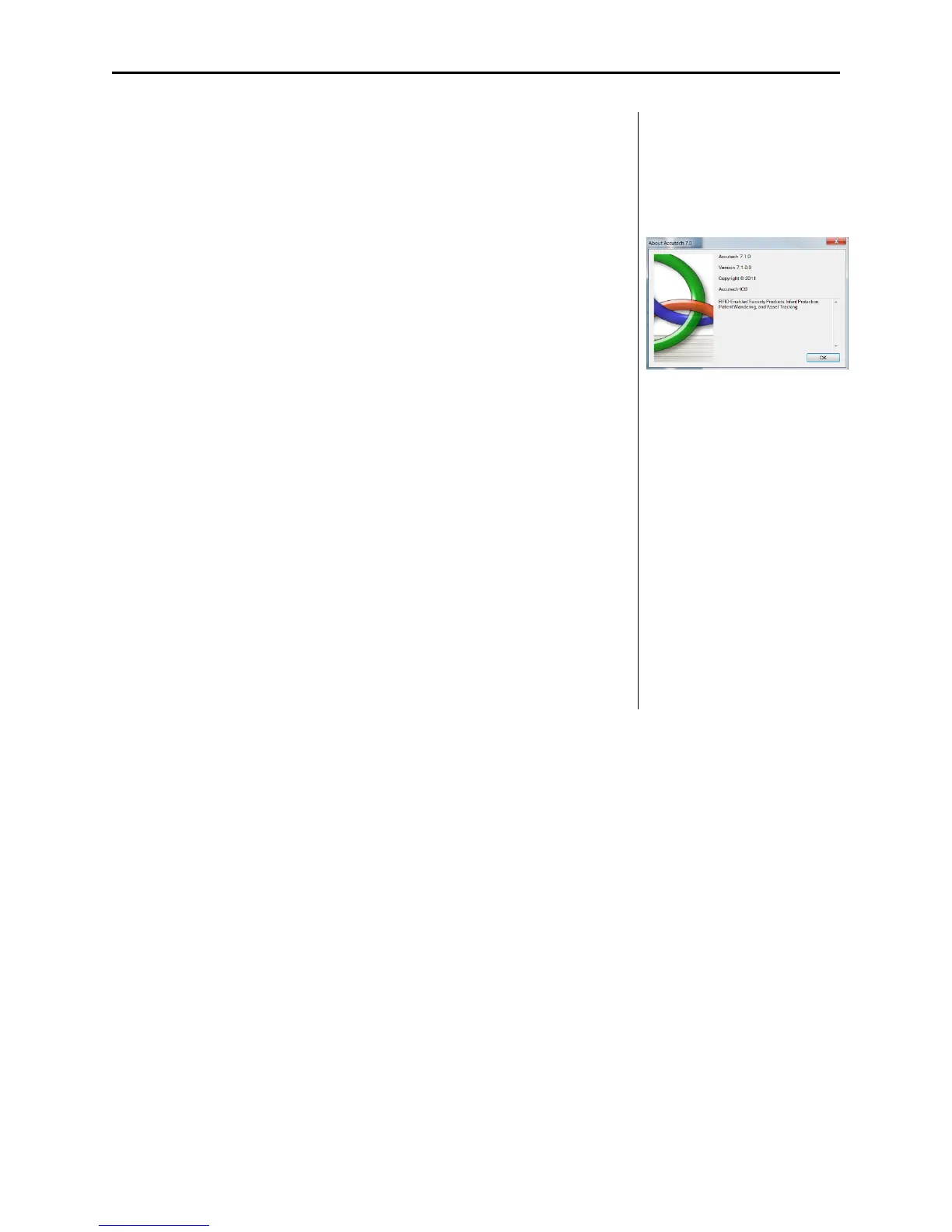
The following chapter details Accutech Software 7.0.
Software features will vary depending upon your version number, build,
and system settings.
The Accutech Software is installed on each monitoring computer and is
used to display incoming active event information.
Using the facility’s floor plan as the background, zone-specific icons
(i.e., doors, elevators, stairwells, hallway, and band removal receivers)
are placed at each monitored zone’s location and become animated when
an alarm event occurs.
Floor plans can be monitored locally or remotely.
Customizable event handing (displaying, logging, and clearing)
Tags are assigned to specific patients, residents, infants or assets.
Customizable savable/printable Reports
(sort by start date/end date, event type, zone location, and or Tag number)
Automatic daily database backup.



 To Next Page