User Manual The Accutech Software 6-
Operators
A valid login is required to open the Accutech 7.0 User Interface for a
specified server. Valid logins (User Name and Password combinations)
are created within Accutech 7.0 from the Operators menu. The options
available to each Operator within the Accutech 7.0 User Interface are
determined from the Operator Privileges menu. The default User Name
is admin and the default Password is admin.
To create a new Operator, use the following instructions:
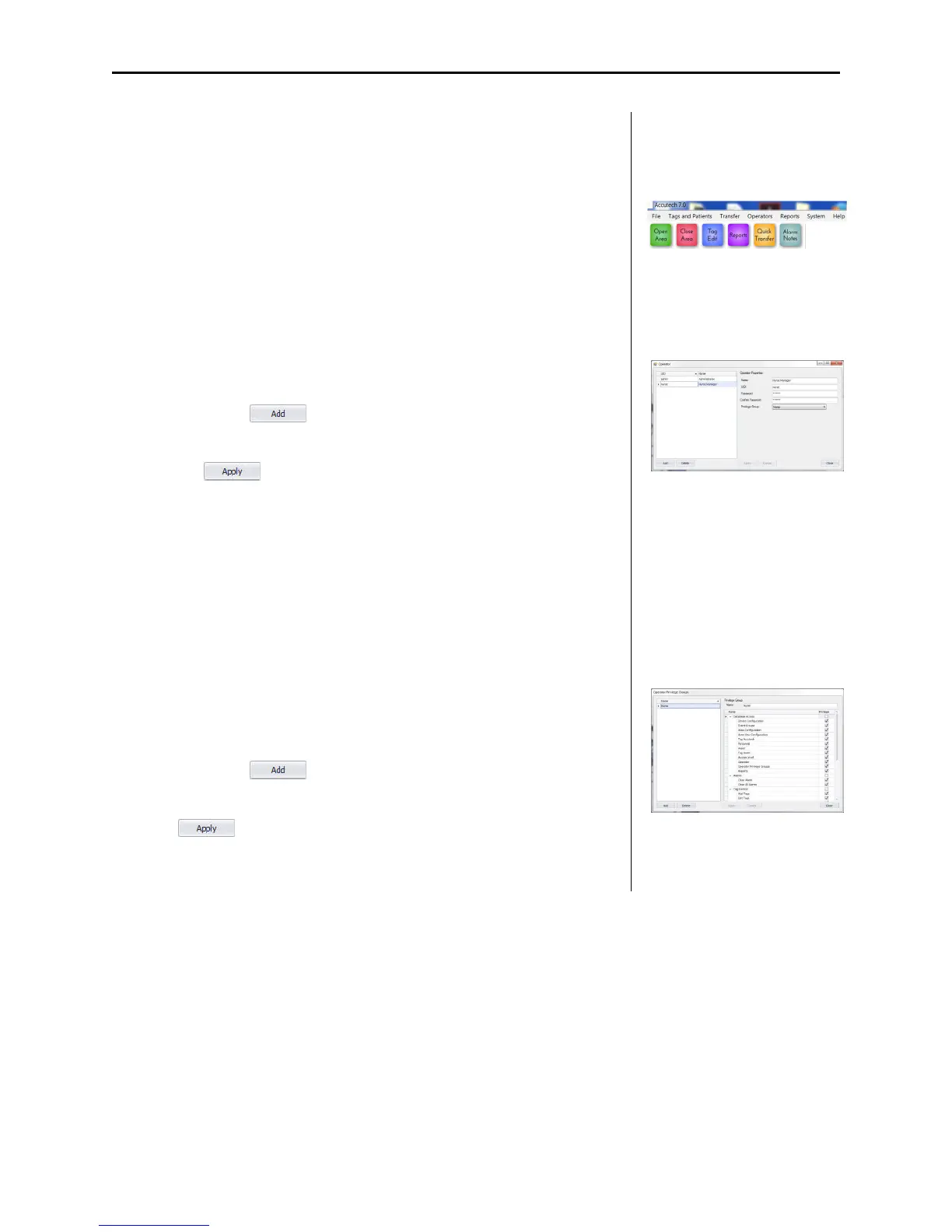
1. From the Operators (1) file menu, select Operator
The Operator dialog box (2) appears.
2. Select the button
3. Complete the Operator Properties section as desired then select
the button.
4. The Privilege Group is the rule set the Operator will follow.
Privilege Groups are set from the Operator Privileges
Operator Privilege Groups
A Privilege Group is the rule set the Operator will follow either allowing
access or denying access to specific software functions.
To create a new Privilege Group, use the following instructions:
1. From the Operators (1) file menu, select Operator Privileges
The Operator Privilege Groups dialog (3) box appears.
2. Select the button
3. Complete the Privilege Group section as desired then select the
button.
1
2
3



 To Next Page