6-6 The Accutech Software U
Alarm Events
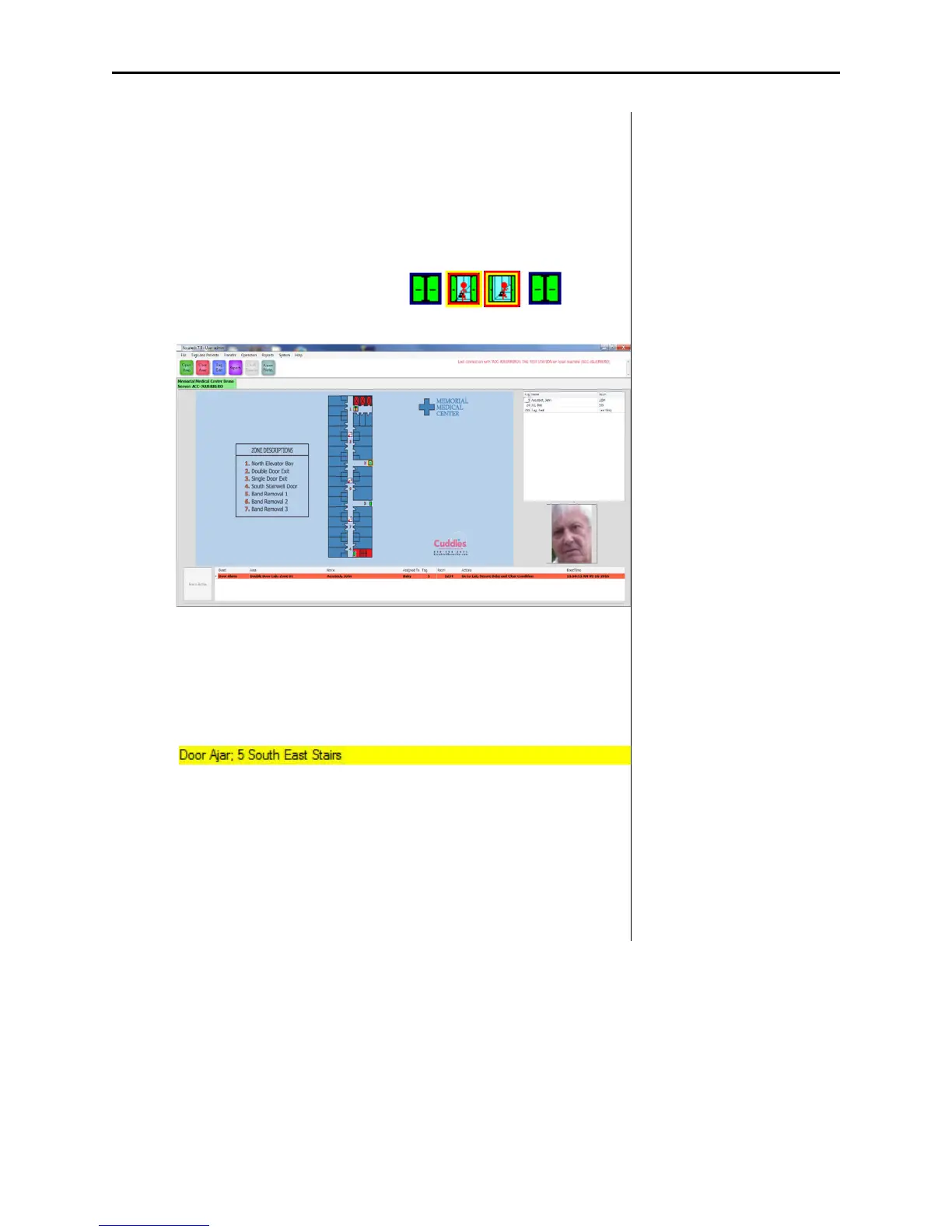
How an alarm event is displayed in the Accutech 7.0 software is
determined by the Event Response setting under Event Groups. The most
common Event Responses settings are Alarm and Log and Status.
If the alarm event is set to ALARM :
1. The zone icon location will flash
2. The event information will appear RED in the Event Dialog box
3. The event will be logged
4. An audible will sound (if enabled)
If the alarm event is set to LOG AND STATUS :
1. The event information will appear in the Log and Status bar
2. The event will be logged



 To Next Page