6-12 The Accutech Software Us
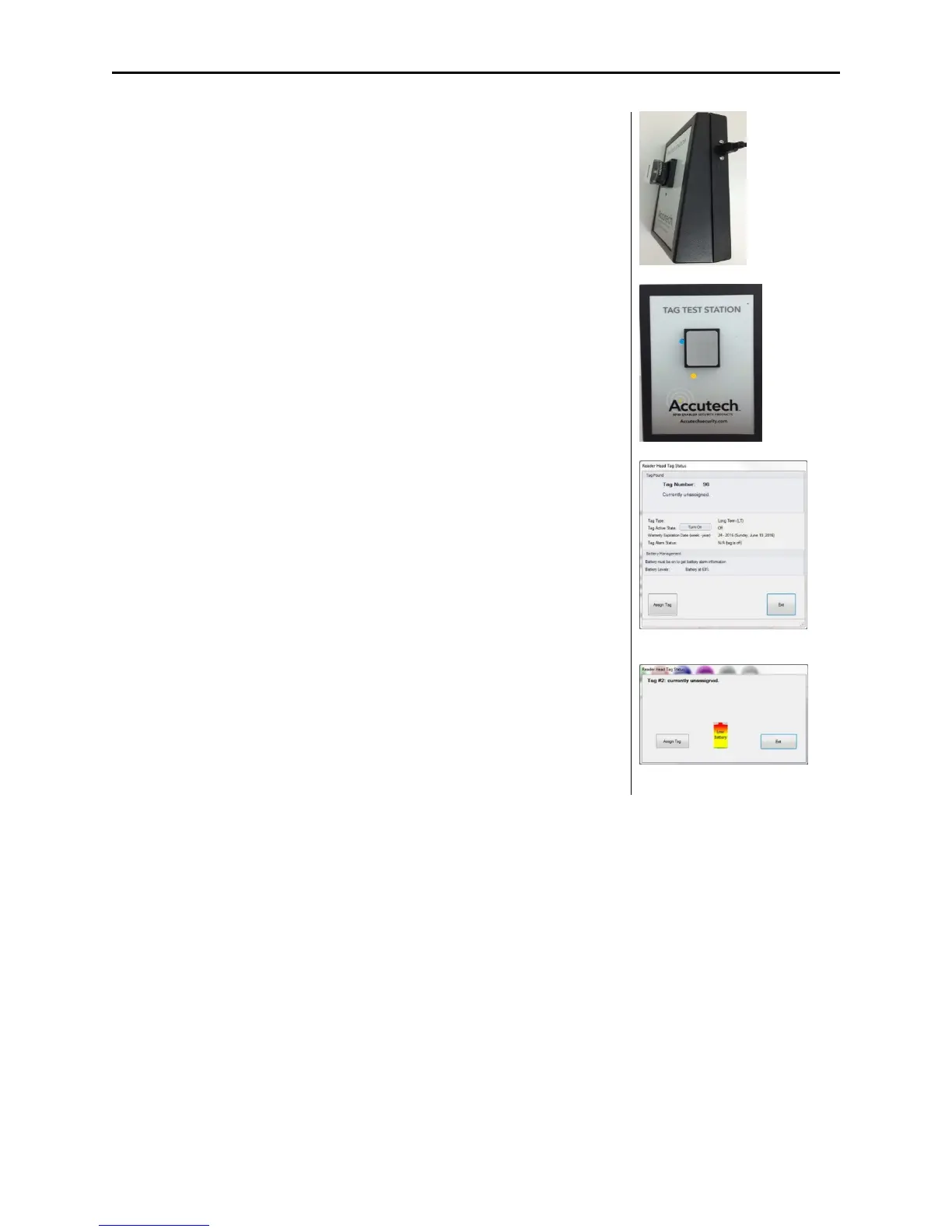
USB Tag Test Station
The USB Tag Test Station verifies a Tags ID number, tag type, useful
battery level, warranty date and manufacture date without having to
activate the tag with an STAD. It will also allow you to generate a report
on tags that were tested. The USB TTS will only work with Accutech 7.0
Software.
Using the Tag Test Station
Once the TTS fully reads the data from the tag, the software will
provide:
1. The tag #
2. The bar code #, which indicates the manufacture date. eg.4209
indicates week and year
3. Tag State – whether the tag is in an OFF or ON state. You can then
turn the tag on for use at this time if it is an LT tag. Or if the tag is
already on, you can turn the tag off for storage purposes.
4. Tag Type – LT, SB, CB, BR
5. End of Warranty Date
6. Battery Level – 1-100% indicates USEFUL tag battery life and means
the tag is good. 0% indicates the tag needs to be replaced. Do not
continue to use a tag with 0% indicated.
Note: you cannot activate a BR tag with the TTS. However, you can
deactivate an active BR tag if placed on the TTS.
Generating a Report
Once the TTS fully reads the data from the tag, the software will
log the information a report can be created for future reference.
Tag Currently assigned
Tag Low Battery



 To Next Page