Drive Management
91
8.2.2 Creating Logical Drives
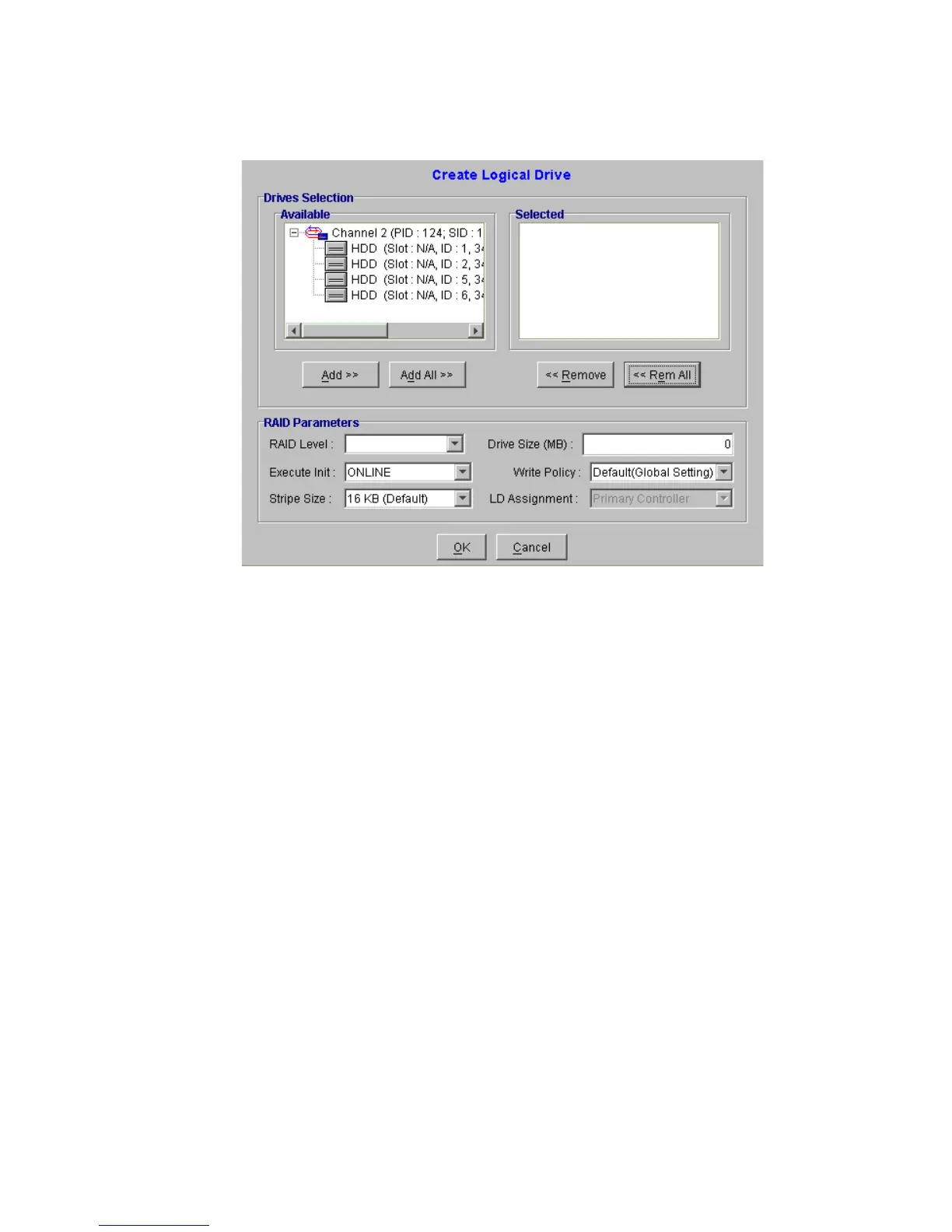
8.2.2.1 LD Creation
To create a logical drive:
1 Select the physical drives that will be used in the LD. (See section 8.2.2.2.)
2 Select the following RAID parameters (See section 8.2.2.3):
• RAID Level
• Online or Offline
•Initialization
• Stripe Size
• Drive Size
• Write Policy
• LD Assignment
3 Click the “OK” button (See section 8.2.2.4).
Figure 8–2 Create Logical Drive Management Window


 To Next Page
 Loading...