Drive Management
109
8.3.2 Creating Logical Volumes
8.3.2.1 LV Creation
To create a logical volume:
1 Select the LDs that will be used in the LV.
2 Select the following RAID parameters:
• Logical Volume Assignment
• Max LD Capacity
• Execute Init
• Write Policy
3 Click the “OK” button
8.3.2.2 Selecting LDs
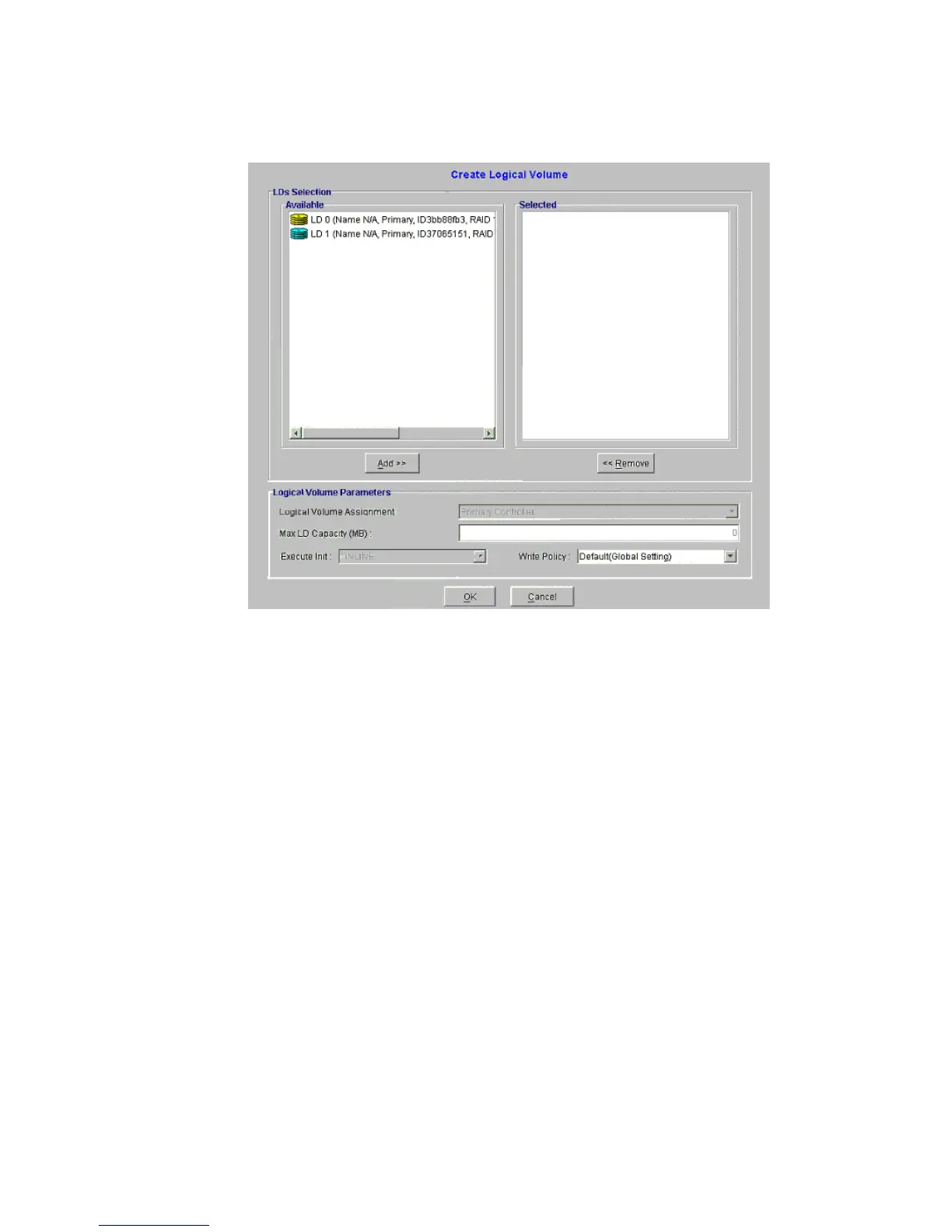
1 The “Available” menu in Figure 8–38shows the LDs that can be used to create LVs.
Figure 8–38 Create Logical Volume Management Window



 To Next Page