Installation
25
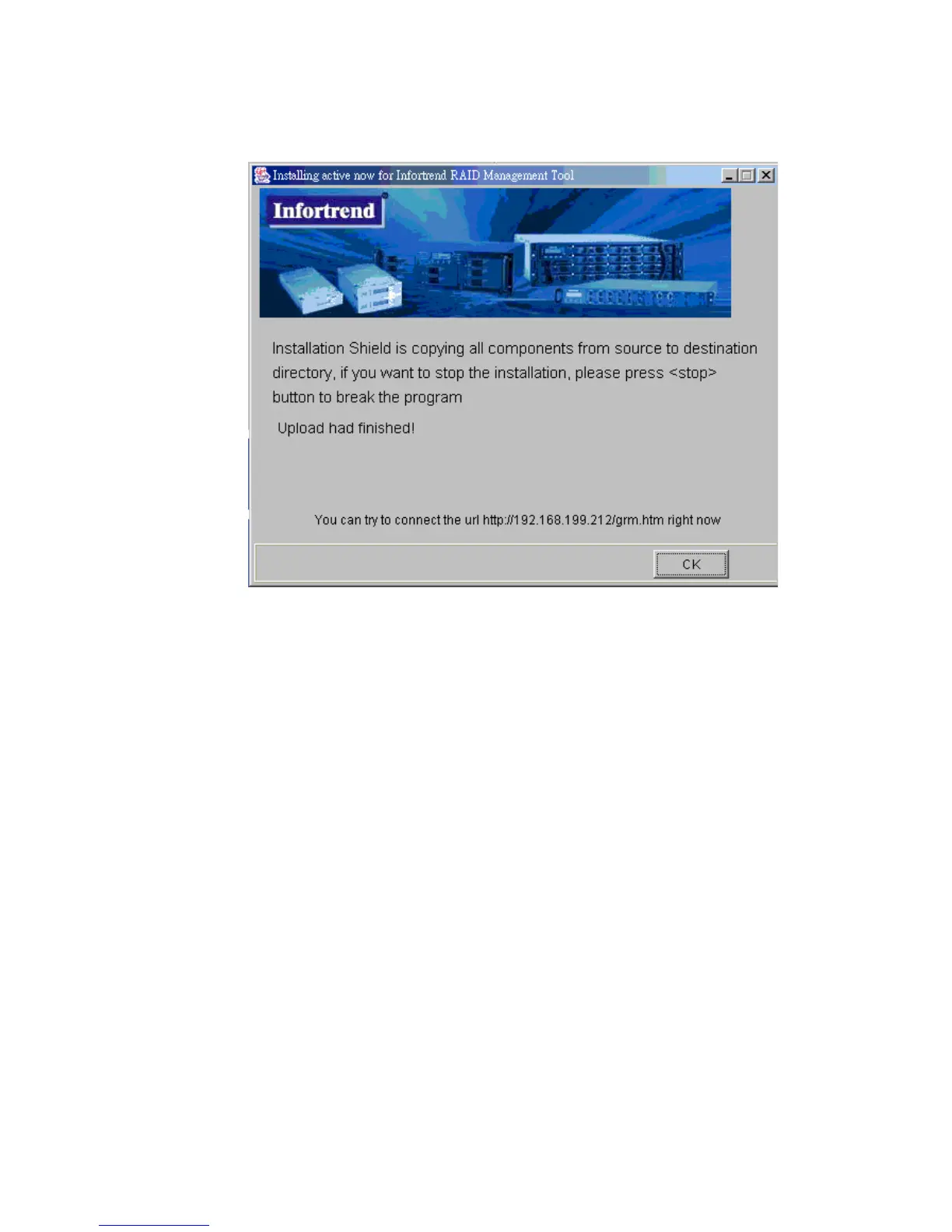
7 If you wish to immediately access the Altos RAIDWatch manager then open a web browser and type
in the IP address that you used in Figure 2–10 with the associated filename.
i.e. To run the
Altos RAIDWatch Manager
from the controller, enter the following into the address
bar of the web browser:
http://www.xxx.yyy.zzz/grm.htm
or, to run the Event Monitor, enter the following into the address bar of the web browser.
http://www.xxx.yyy.zzz/grem.htm
where www.xxx.yyy.zzz is the IP address entered in Figure 2–10.
2.5 List of Filenames
Below is a list of key Altos RAIDWatch files installed during the installation process. All files should
be found in the
/usr/hybrid/bin/
(default) directory or the directory you chose during the
installation.
Altos RAIDWatch Manager access:
1 GRM.JAR --> executable.jar Java file
Figure 2–12 Successful Installation



 To Next Page