Operation
51
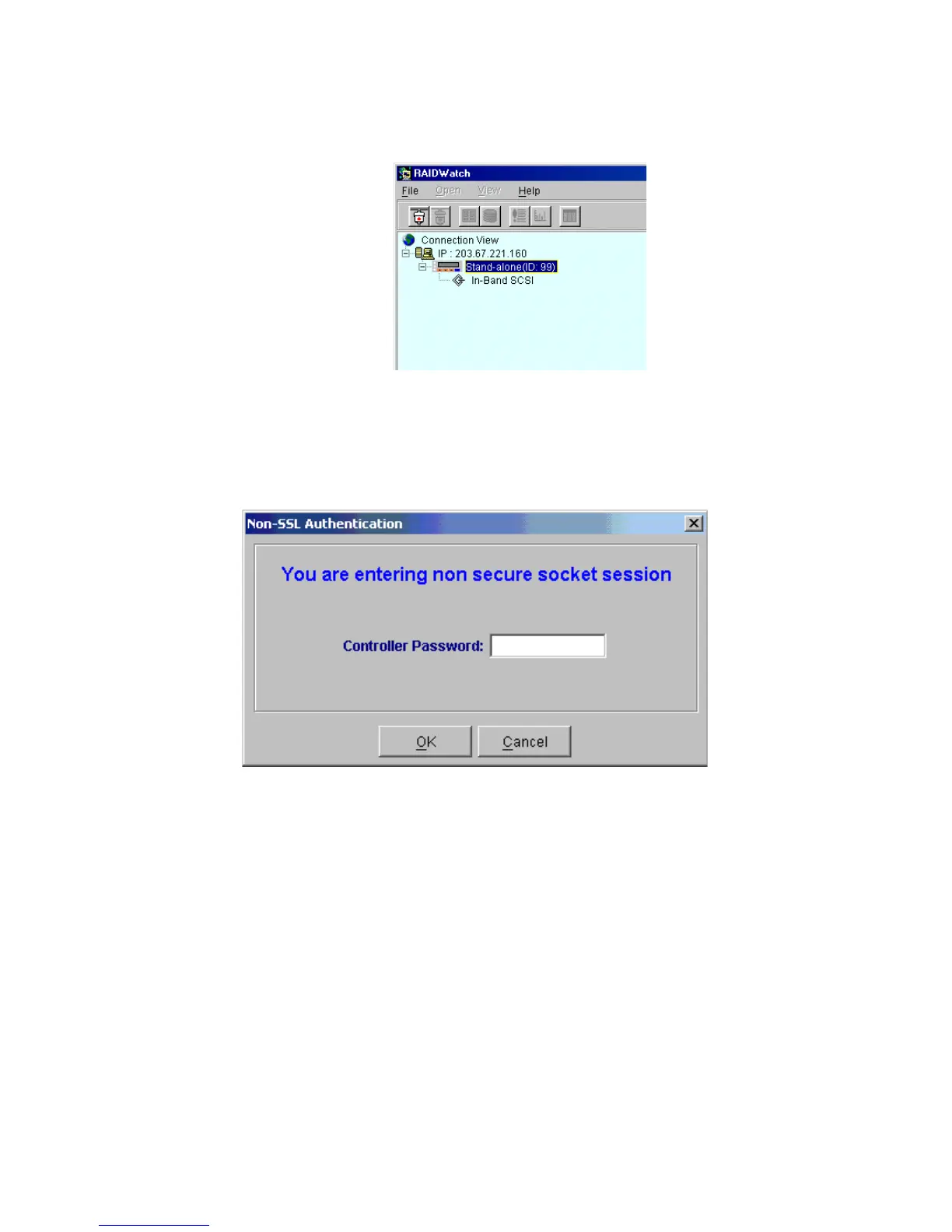
3 You will be prompted for a password to access the controller. Enter the password (there is no
default password) and click OK. The connection is successful when the RAID View Introduction
window appears and the tool bar buttons are activated.
4.3.2 Connecting to a RAID System from a Distant Host
1 In the screen shown in Figure 4–4, select the IP address of the RAID you would like to monitor or
manage from the Connection View list. Choose and double click on an IP address. Double click the
controller icon for that IP address. Choose and double click the connection method (e.g., In-Band
SCSI).
Figure 4–2 Click the connection Method, e.g. In-Band SCSI
Figure 4–3 Enter Password



 To Next Page