Configuration Options
35
3.3.2 Managed Secondary Agent Settings
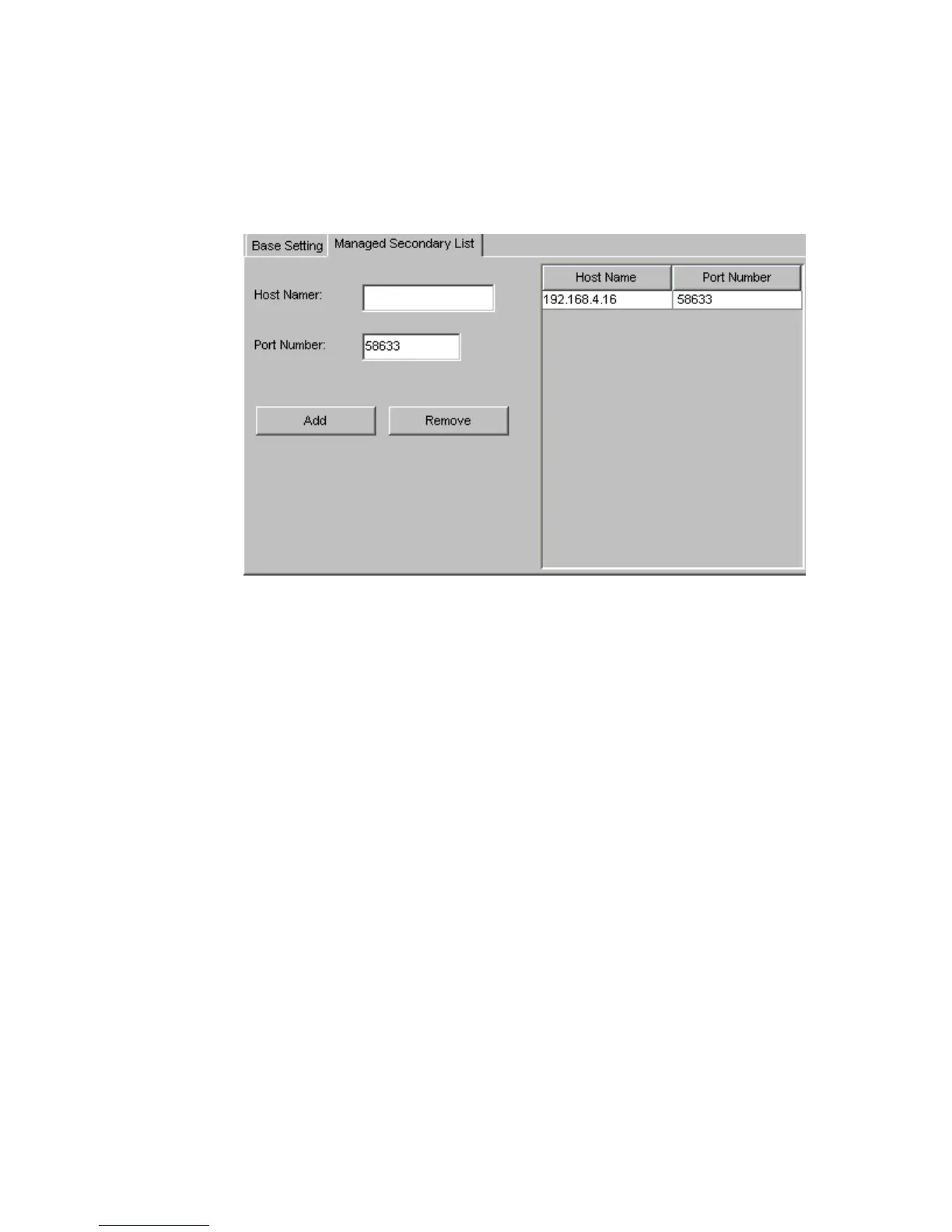
To configure the “Managed Secondary List” settings, select the “Managed Secondary List” sub-tab
shown in Figure 3–3. The “Managed Secondary List” shown in Figure 3–4 will appear.
This part of the Primary Agent configuration, lists each Secondary Agent RAID server that will be
managed through the Primary Agent where you are installing Altos RAIDWatch.
• Host names: These are IP addresses for each RAID server.
• Port Number: The settings that should be the same for all Secondary Agents but should they
should be from the Primary Agent port setting and otherwise unique to the Secondary Agents.
Important The Primary Agent default port setting should be changed to a network-unique assignment. The
default TCP port setting is 58632. Any port number between 49152 and 65535 can be used.
Also, Managed Secondary Agents should all use a different, common-to-all Secondary Agents, TCP
port setting from that of the Primary Agent.
Figure 3–4 Managed Secondary List



 To Next Page